












Arrow Key Navigation in List View

Arrow Key Navigation in List View empowers Odoo users to navigate records flawlessly using keyboard arrow keys. Enhance productivity by moving through rows and cells without a mouse. It works across all list views including the order lines list views for maximum efficiency.

Features
Keyboard-Based Record Navigation
Navigate through records in Odoo list views using keyboard arrow keys without manually clicking each row.

Quick Record Selection
Select and highlight records instantly with Up and Down arrow keys for faster data browsing.

Improved List View Productivity
Provides smooth editing support within standard Odoo list views and reduces mouse dependency.
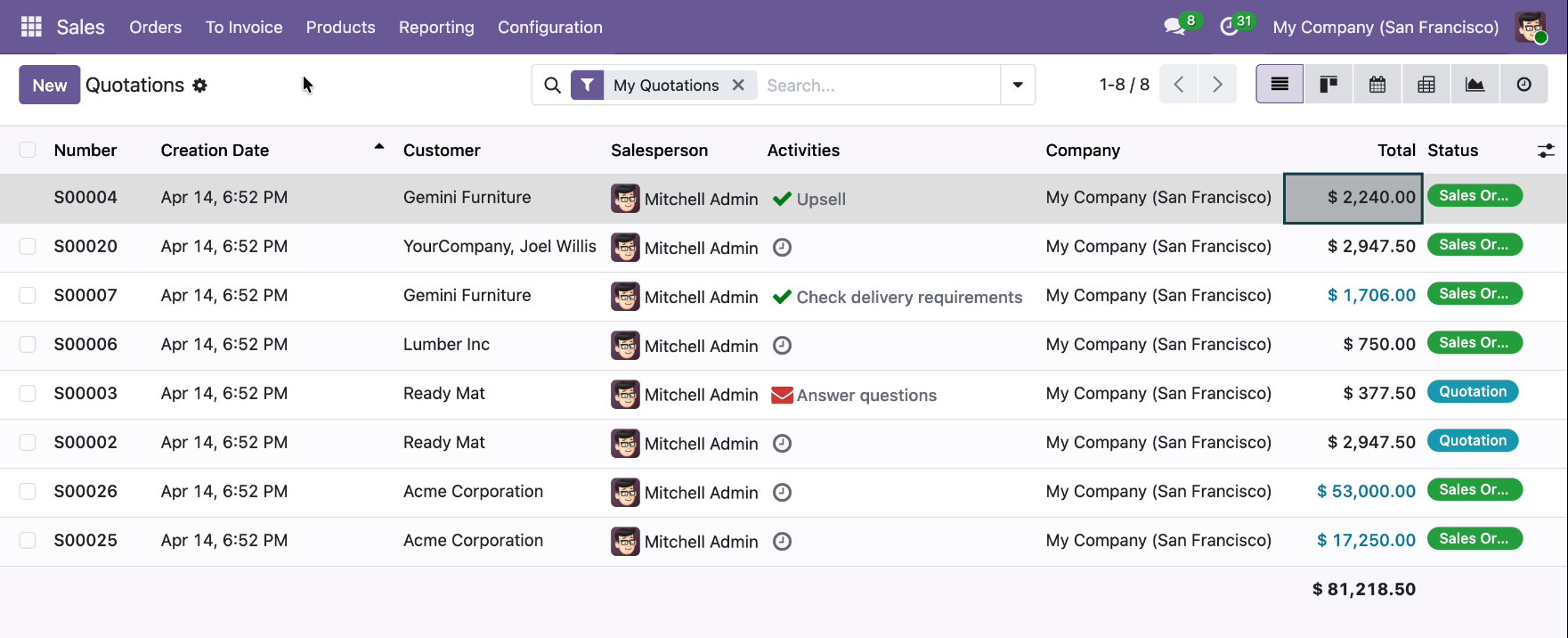
Demonstrating Arrow Key Navigation within the Sales Quotations list, allowing for rapid, mouse-free movement between records and cells for maximum data entry efficiency.
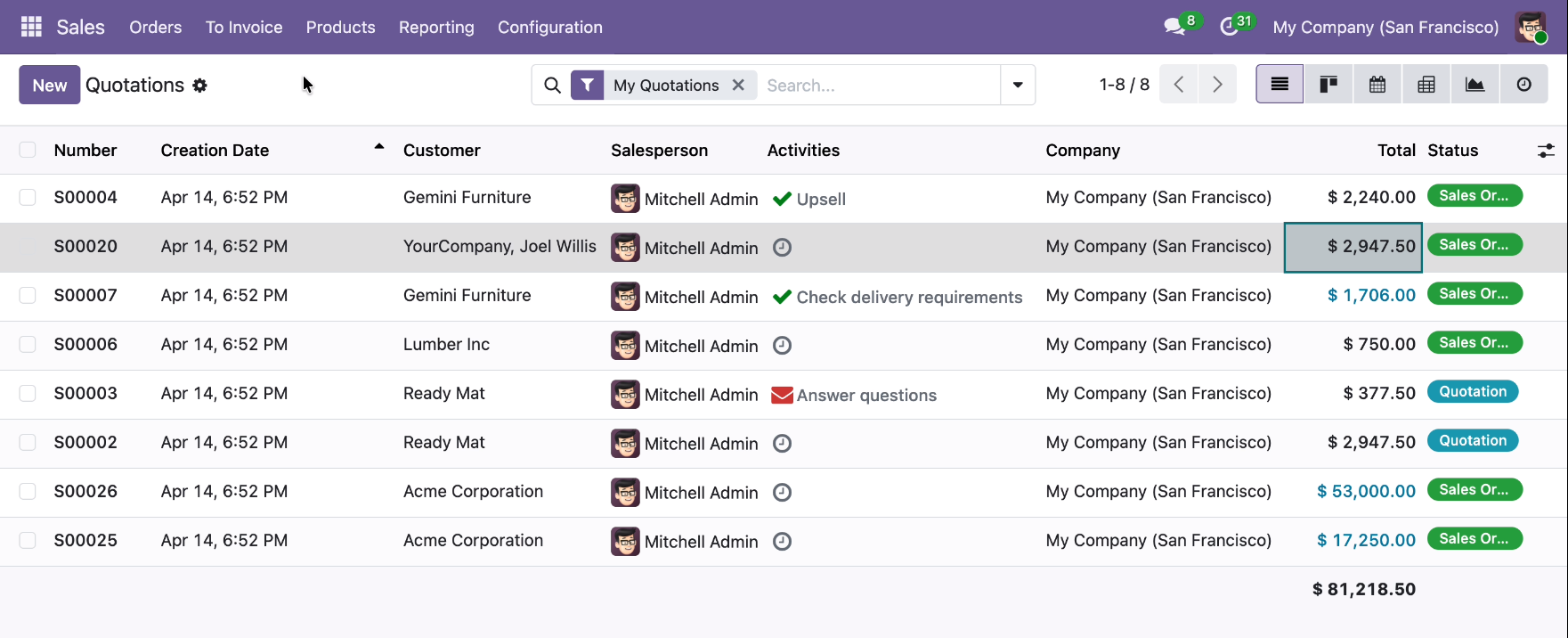
Using Arrow Key Navigation to quickly move between rows and individual cells in the Quotations list, eliminating the need for mouse clicks during data review.
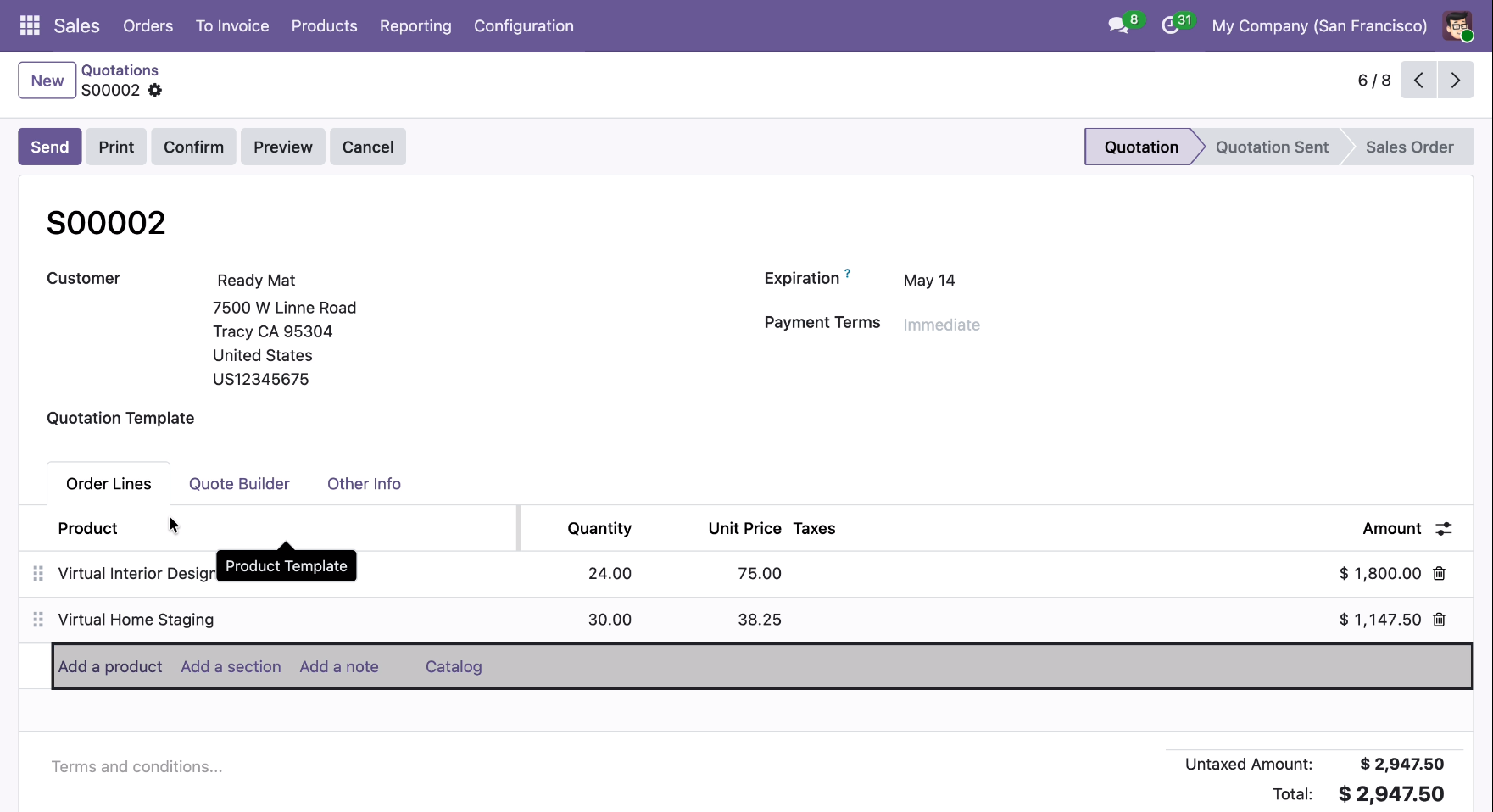
Utilizing Arrow Key Navigation within the Order Lines of Quotation, allowing for quick, mouse-free selection and editing of products.
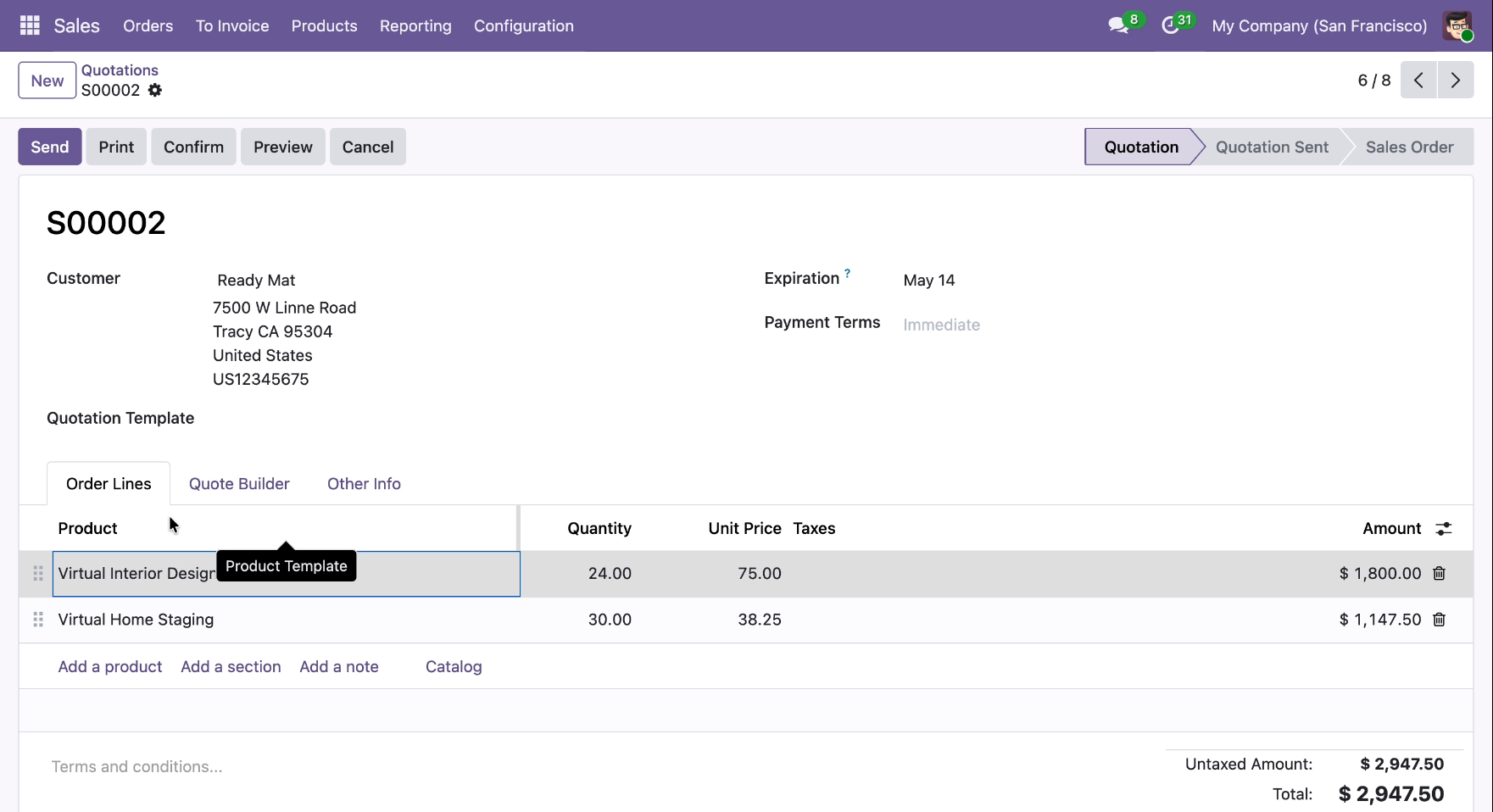
Moving seamlessly between product rows like "Virtual Home Staging" using Arrow Key Navigation, allowing for rapid keyboard-only updates to Quotation S00002.
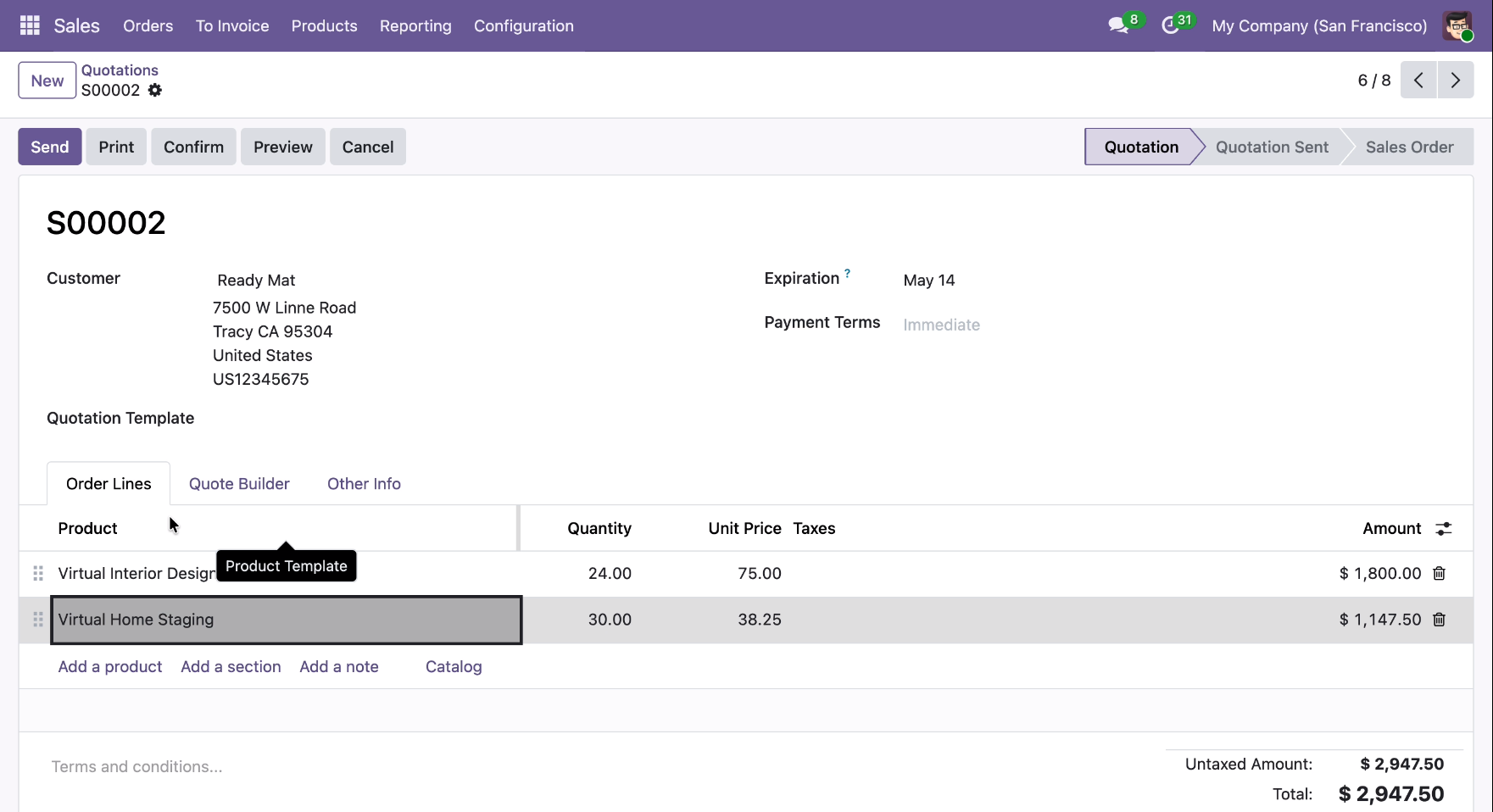
Navigating to the "Add a product" line using Arrow Key Navigation, allowing users to quickly expand Quotation S00002 without switching from keyboard to mouse.
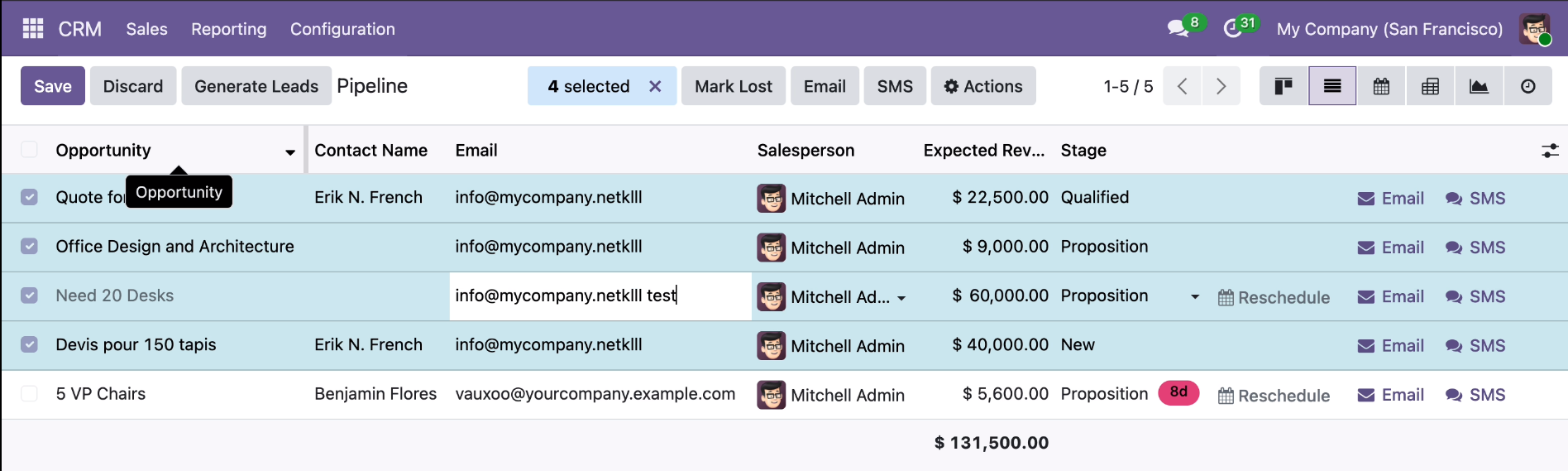
Using Arrow Key Navigation to traverse the CRM Pipeline list, allowing for mouse-free cell selection and inline editing of opportunity details like email addresses and stages.
Version 19.0.1.0.0 | Released on : 31st July 2026
- Yes, this app works perfectly with Odoo Enterprise (Odoo.sh & Premise) as well as Community.
- No, this application is not compatible with odoo.com(odoo saas/Odoo Online)
- Yes, to test this module, please contact us at sales@softhealer.com.
- Please contact us at sales@softhealer.com to request customization.
- Yes, we provide free support for 365 days from the date of purchase.
- Yes, you will receive lifetime free updates for the version of the module you purchased.
- No, there is no need to install any additional libraries.
- Yes, for version 12 and above, you need to purchase the module separately for each version you intend to use.
- No, exchanges or refunds are not allowed. Please make sure to select the correct version before purchasing.
- You can contact us at support@softhealer.com for language translation support. We use Google Translator tools to provide translations in multiple languages, so the accuracy may vary. We welcome your suggestions to help improve translations.
Discover Our Latest Apps