

 Easy to Manage
 Dedicated Support















 Scan to email sales



Account Report Section

If you want to append some legal information like account details/payment terms and conditions etc. So here we build a module that can help you to add an external information template and customize it with provided tools. The template field is not necessary if you don't want to append any documents so leave it blank. You can make or customize documents as per your choice with provided tools.

Related Modules
Hot Features
Features
- Easy to make customized report documents like payment terms and conditions, Bank details and other legal stuff documents, services, etc.
- Easy to customized content with Report Template Tool.
- Style your document with style tools for borders, Text Style, Text Size, Background Color.
- Easy to add content in HTML or plain text.
- Easy to add images in pdf reports.
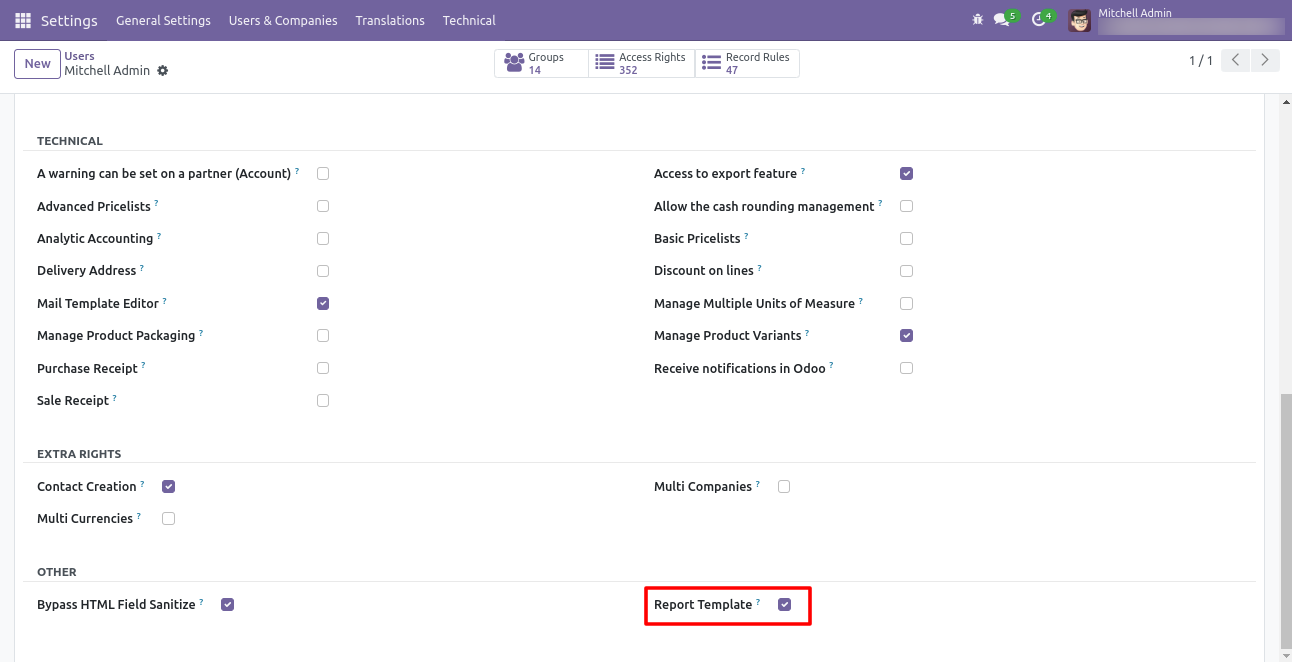
Go to the users and tick 'Report Template'.
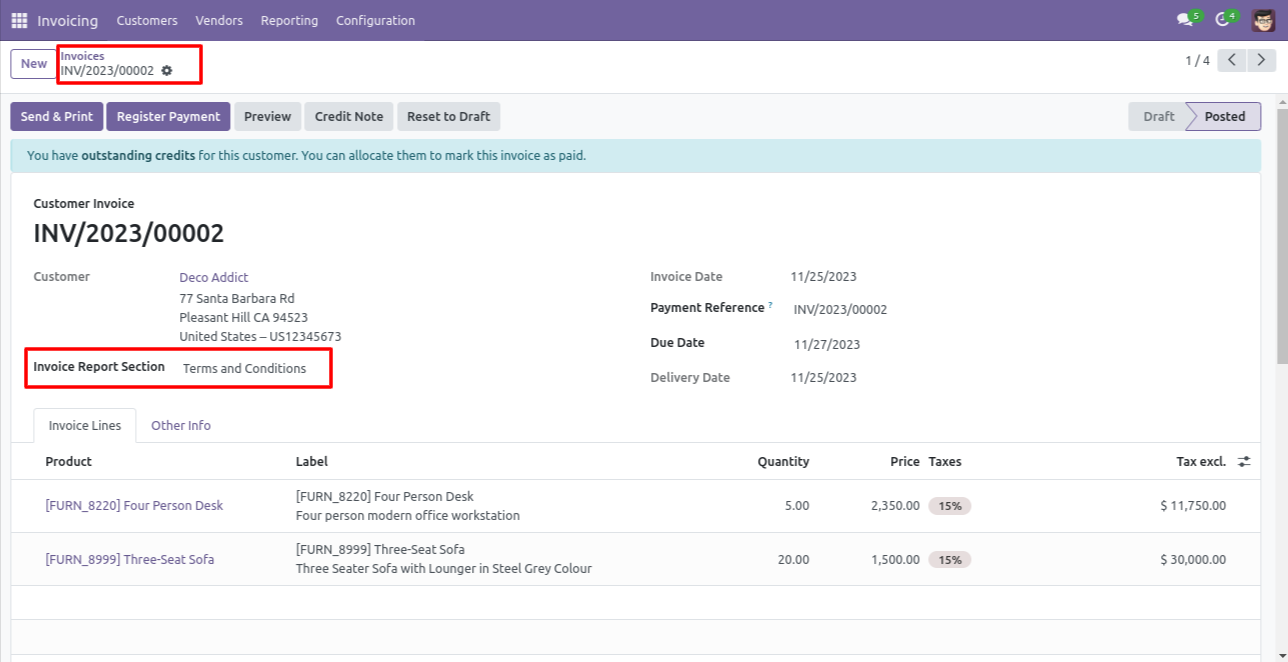
Goto Invoice => Select Invoice Template => Print Invoice.
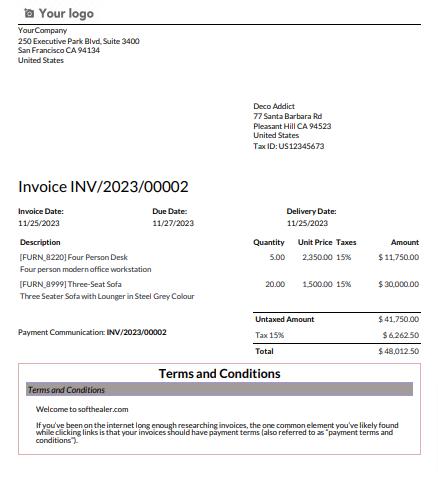
For i.e Invoice Report with Terms and Conditions.
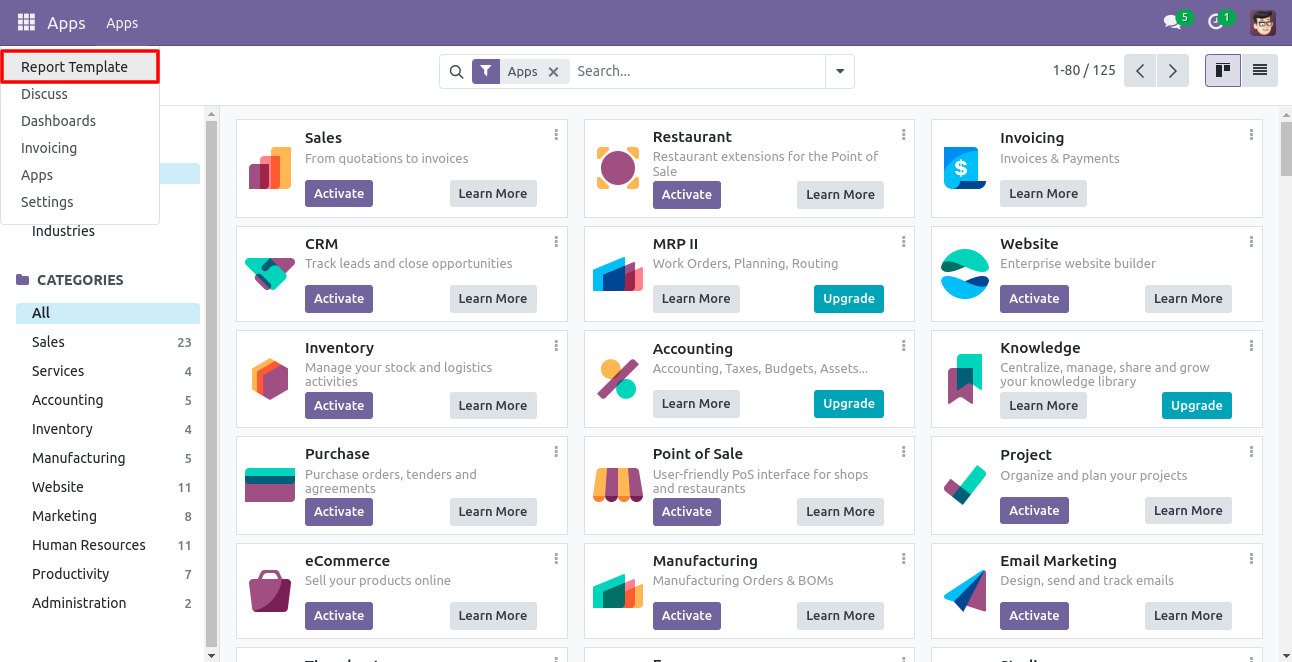
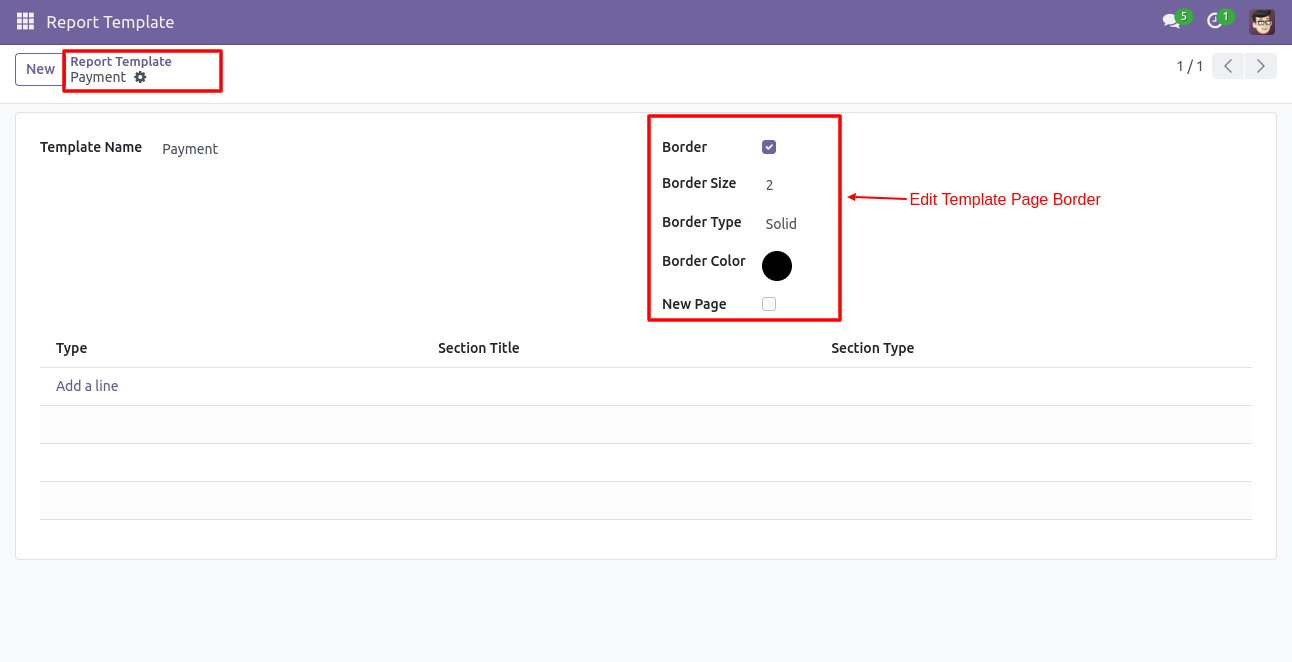
Goto Report Template.
Define Report Name and Edit Report Template Border.
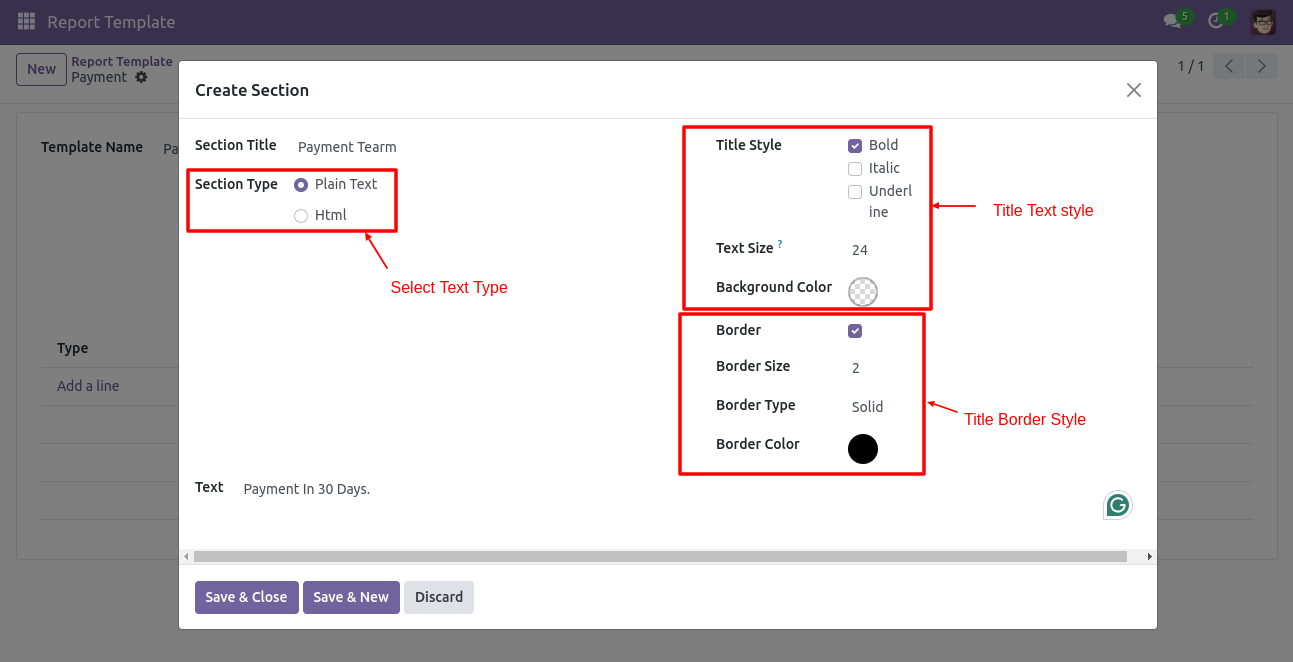
Write the Report Section Data Using Text.
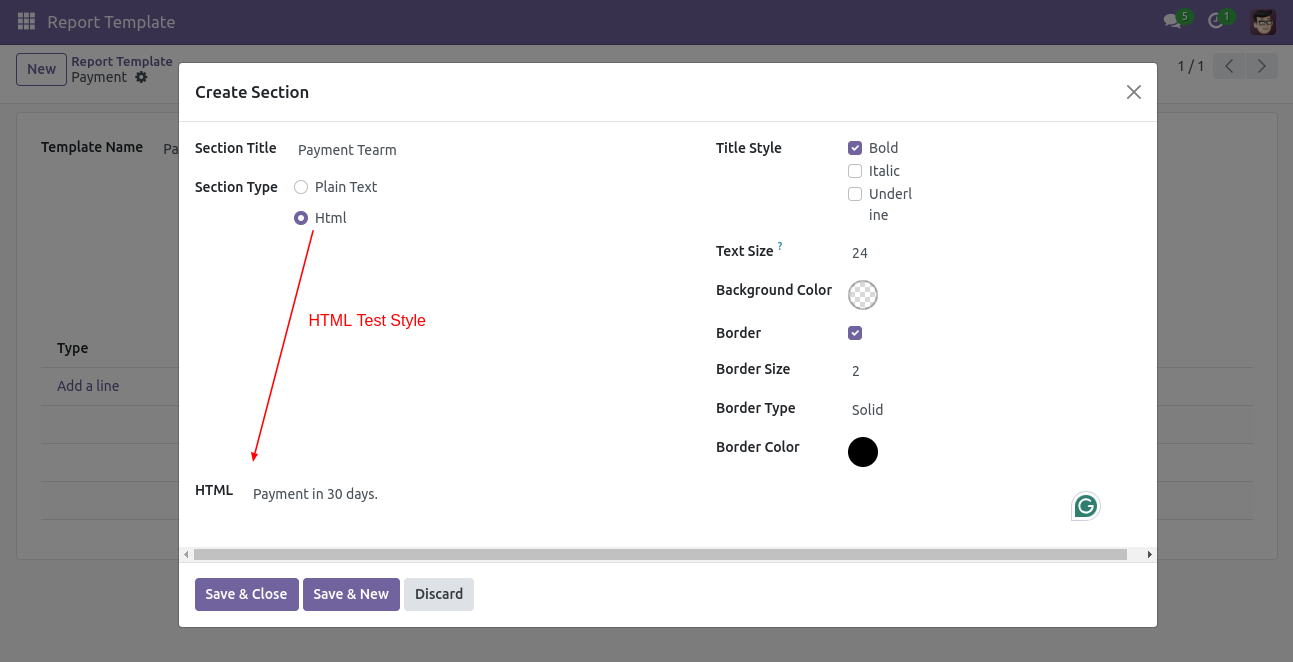
Customize the Report Section Data Using HTML.
Click on the 'Report Template' from the action.
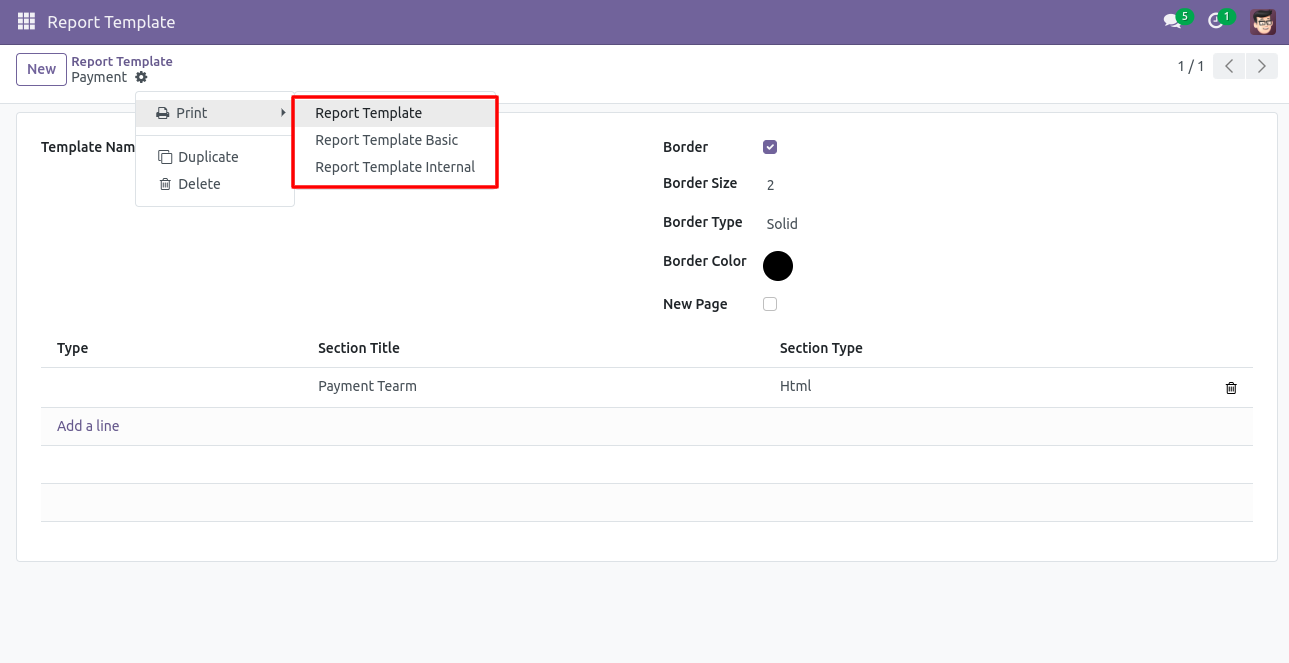
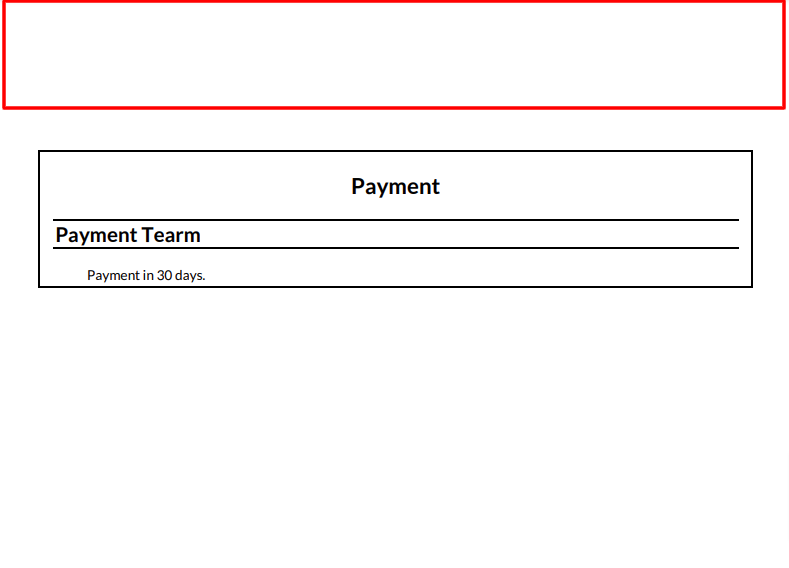
Print Report Without company name and address 'Report Template Basic'.
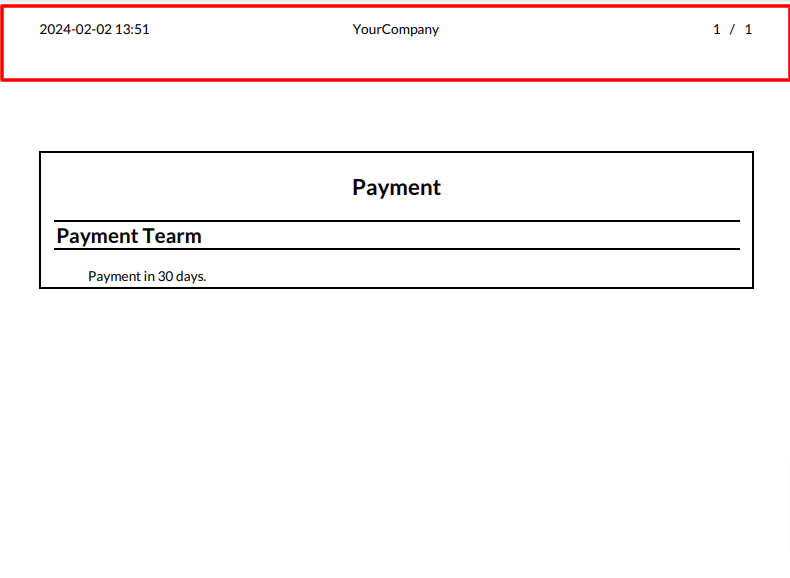
Print Report With company name 'Report Template Internal'.
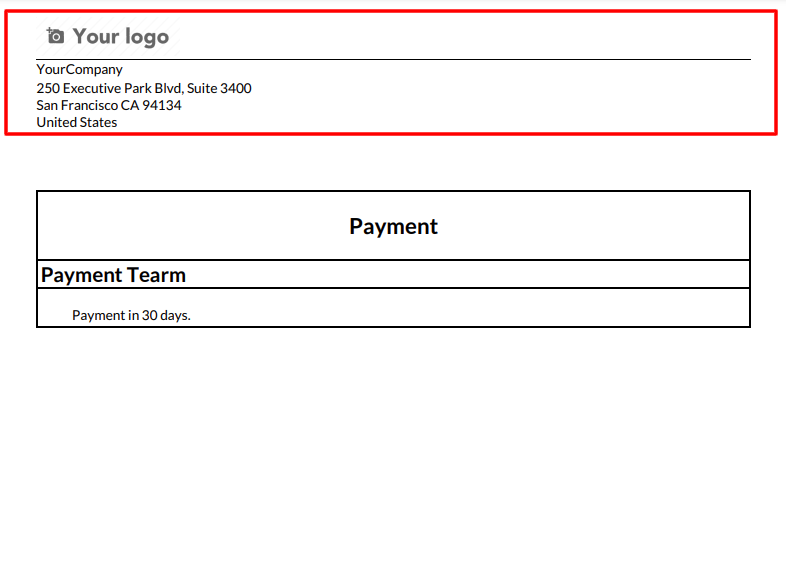
Print Report With company name and address 'Report Template'.
Version 19.0.1.0.0 | Released on : 12th February 2026
- Yes, this app works perfectly with Odoo Enterprise (Odoo.sh & Premise) as well as Community.
- No, this application is not compatible with odoo.com(odoo saas/Odoo Online)
- No, currently it does not work if the product type is selected as a combo product. For more details, please contact our support team at support@softhealer.com.
- Yes, to test this module, please contact us at sales@softhealer.com.
- Please contact us at sales@softhealer.com to request customization.
- Yes, we provide free support for 365 days from the date of purchase.
- Yes, you will receive lifetime free updates for the version of the module you purchased.
- No, there is no need to install any additional libraries.
- Yes, for version 12 and above, you need to purchase the module separately for each version you intend to use.
- No, exchanges or refunds are not allowed. Please make sure to select the correct version before purchasing.
- You can contact us at support@softhealer.com for language translation support. We use Google Translator tools to provide translations in multiple languages, so the accuracy may vary. We welcome your suggestions to help improve translations.
