











Access Account Reports In Various Currencies

With this module, you can easily manage your account reports in multiple currencies. Easily switch between all activated currencies, and the report amounts will automatically adjust based on your selection. It provides accurate financial reporting for businesses operating internationally.

Related Modules
Features

Multi-Currency Support
You can view and manage account reports in multiple currencies.

Automatic Currency Conversion
Report amounts update automatically based on the selected currency.
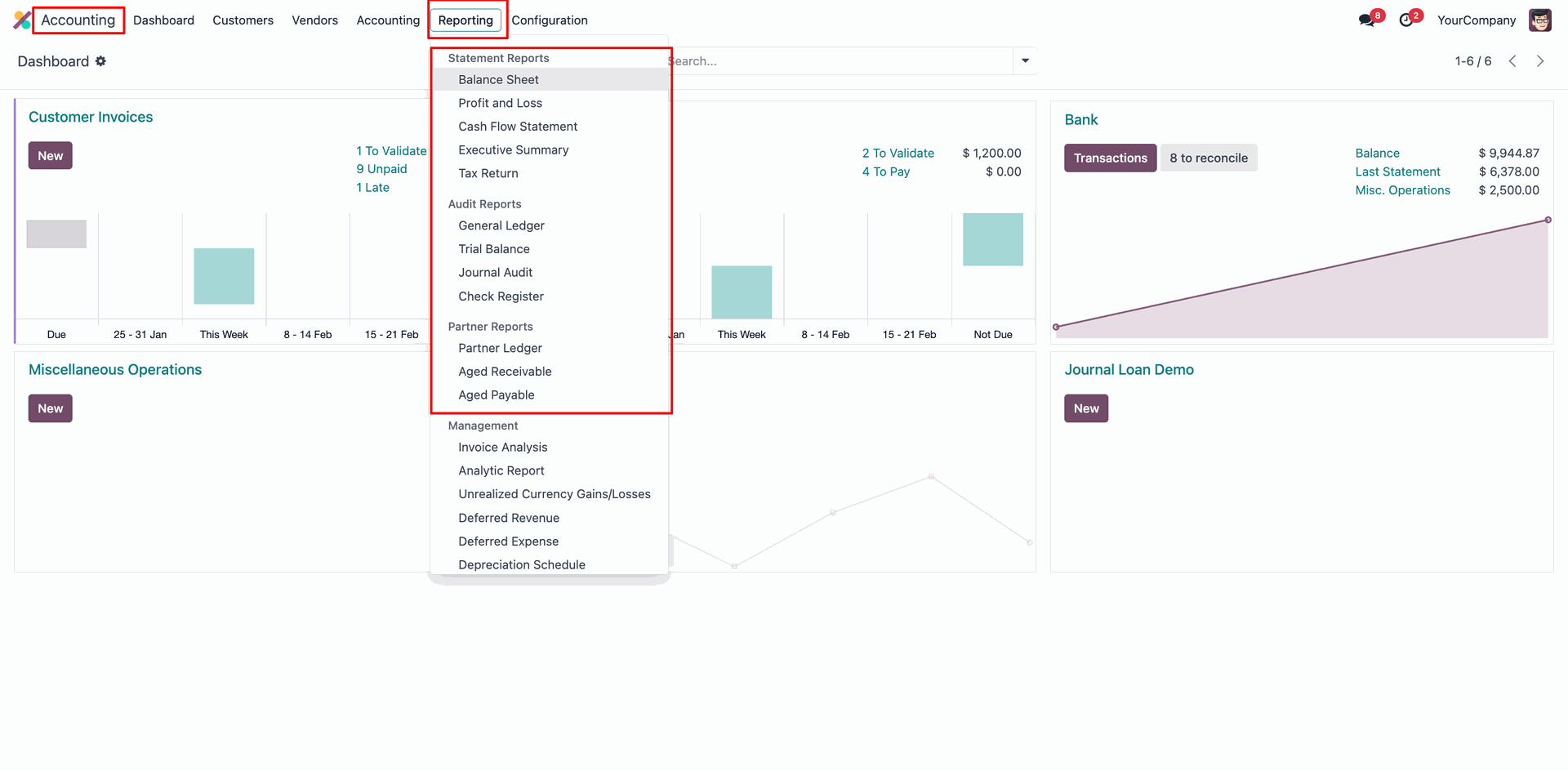
Go to the Accounting ==> Reporting ==> Balance Sheet
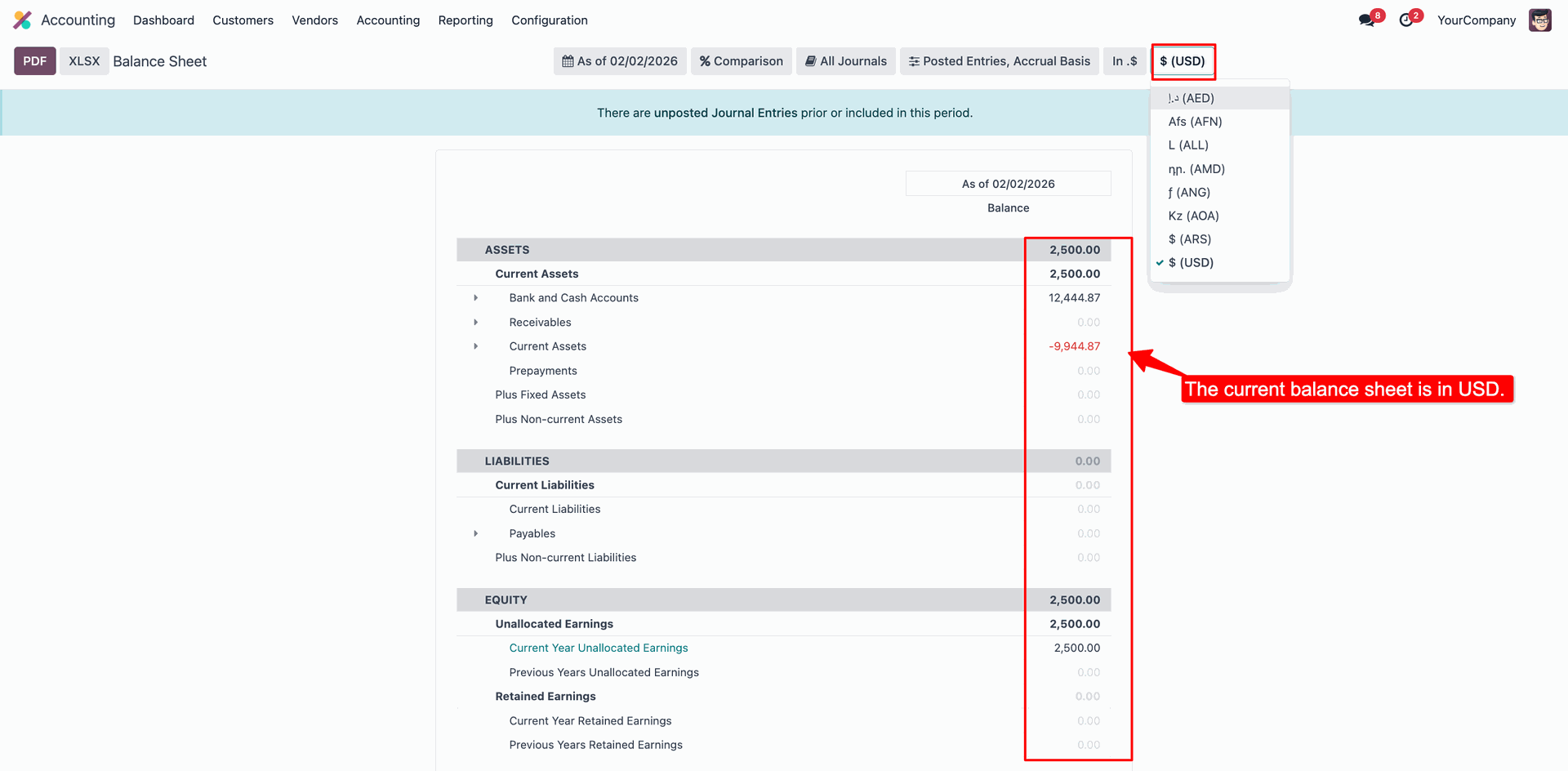
Here, you can view all the activated currencies.
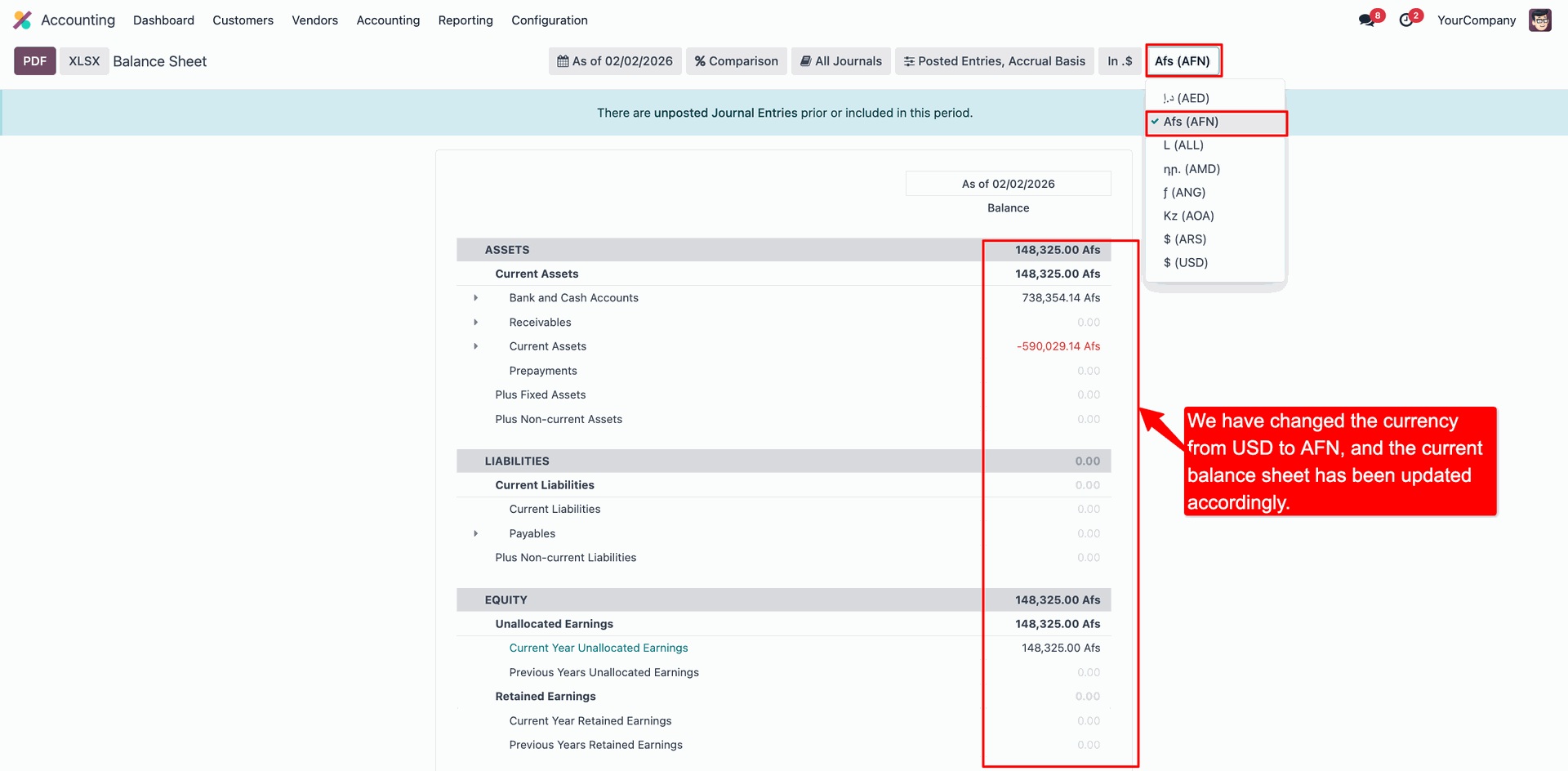
The current balance sheet is in USD.
Now we select the 'AFN' currency, and the amount will be updated automatically based on the selected currency.
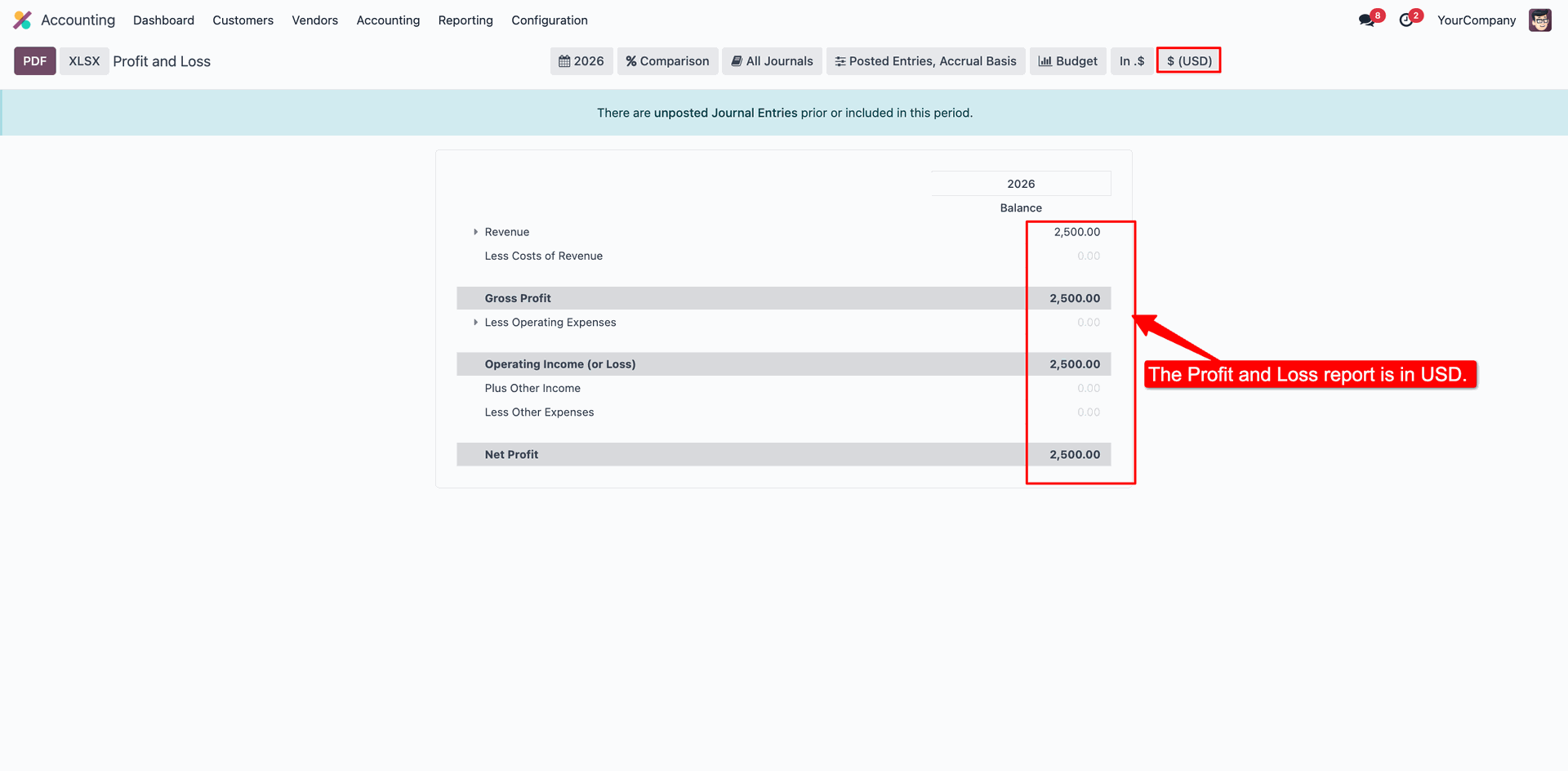
The Profit and Loss sheet is in USD.
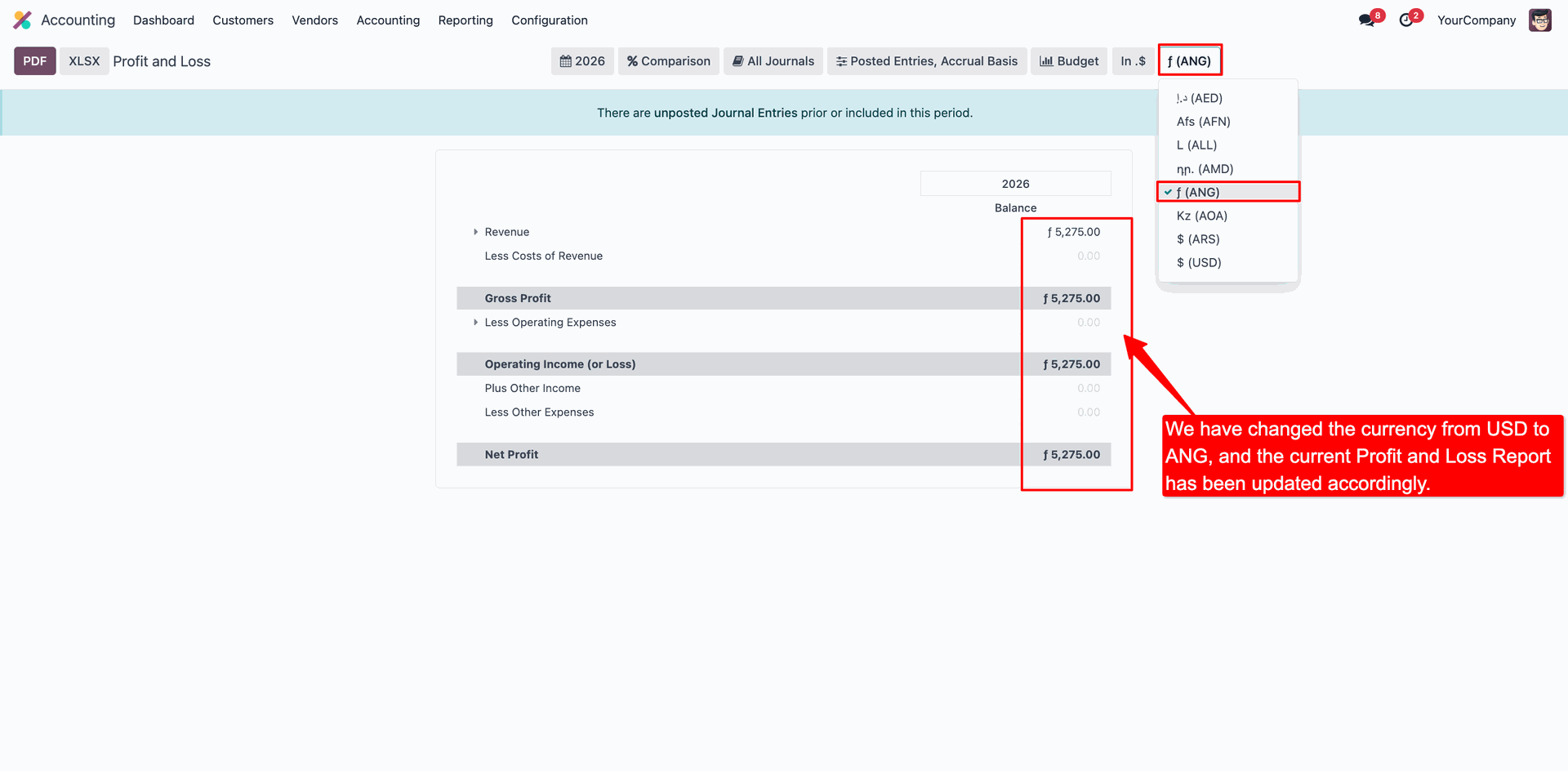
Now we select the 'ANG' currency, and the amount will be updated automatically based on the selected currency.
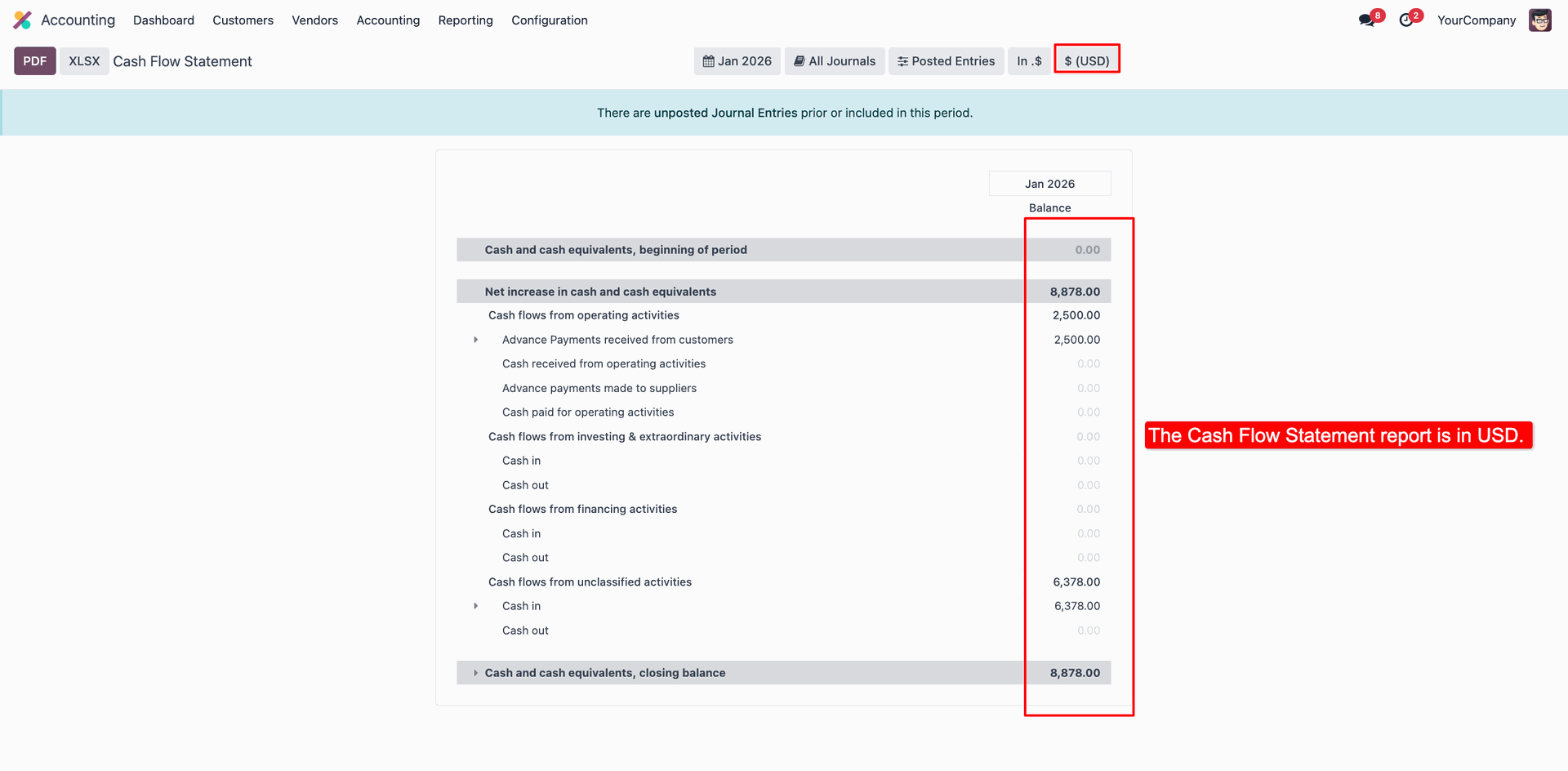
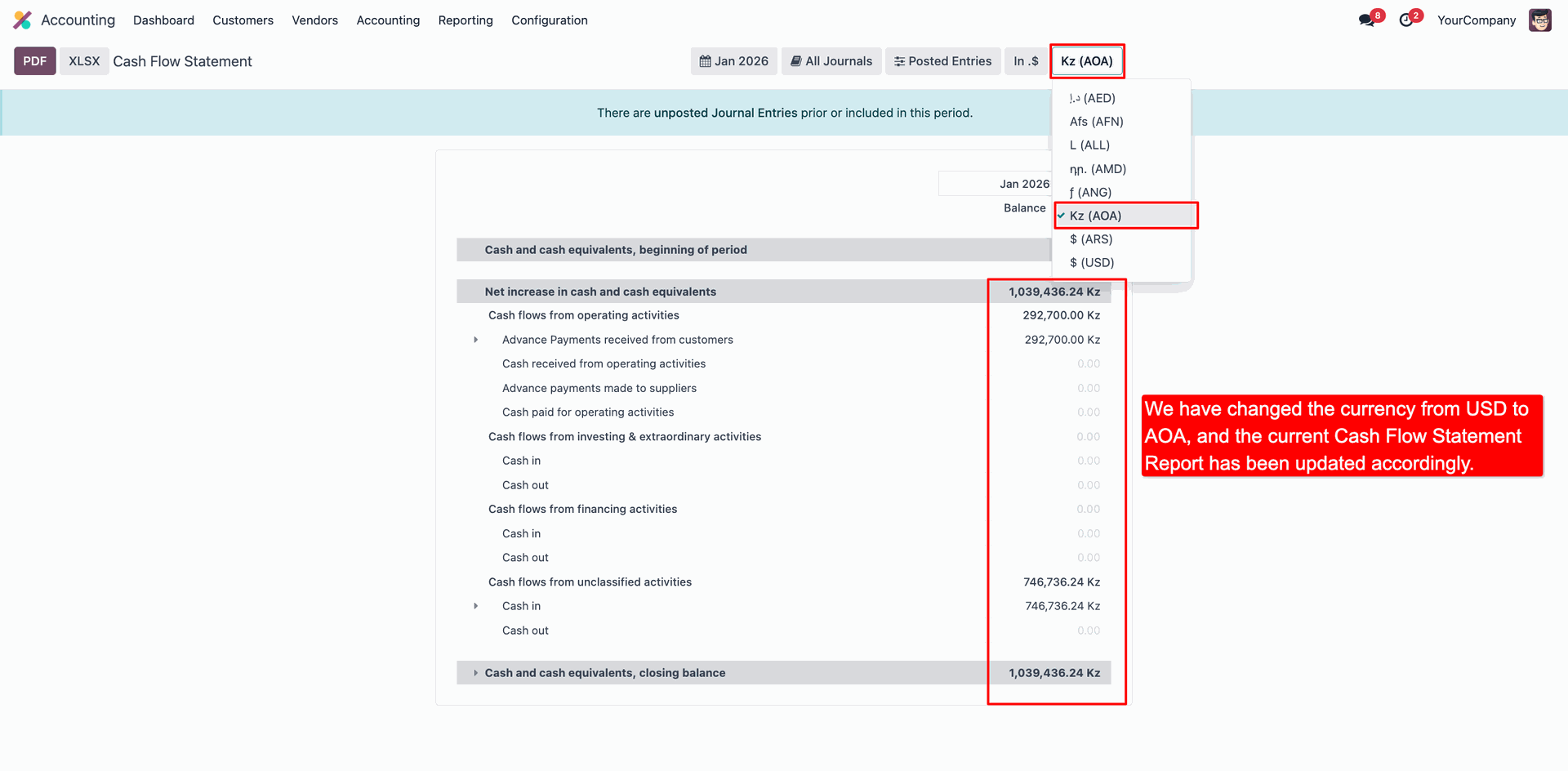
The Cash Flow Statement sheet is in USD.
Now we select the 'AOA' currency, and the amount will be updated automatically based on the selected currency.
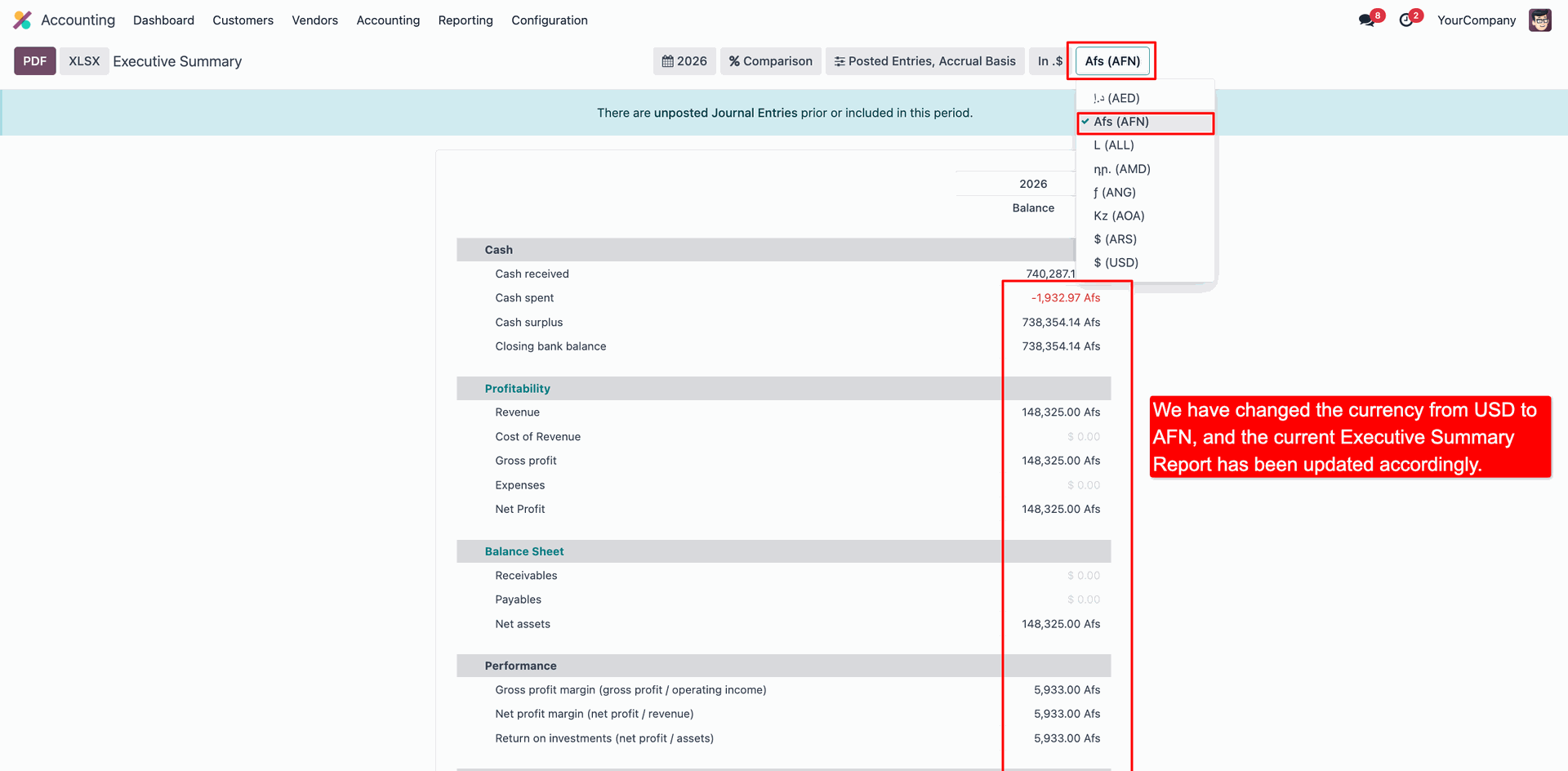
The Executive Summary sheet is in USD.
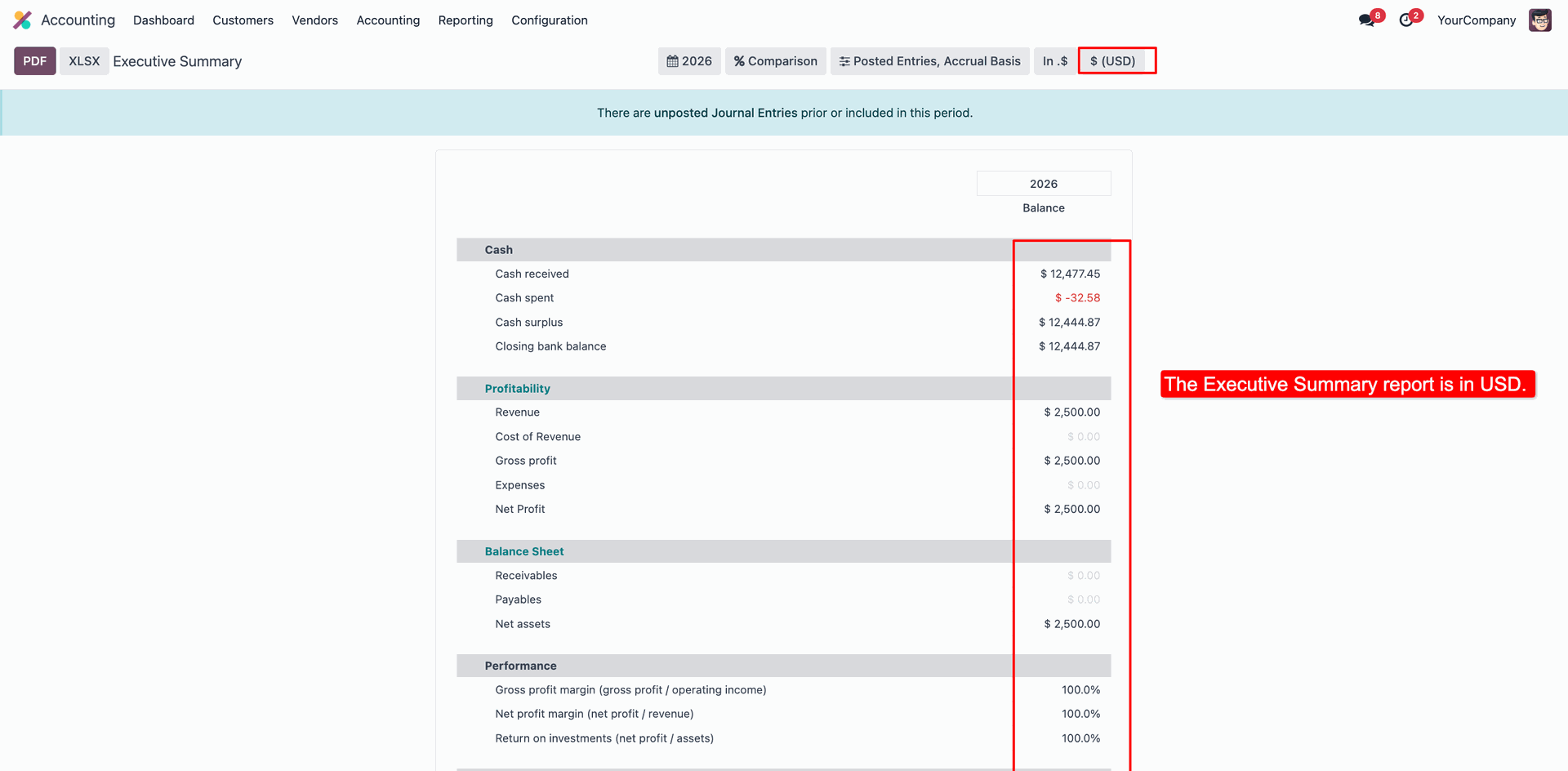
Now we select the 'AFN' currency, and the amount will be updated automatically based on the selected currency.
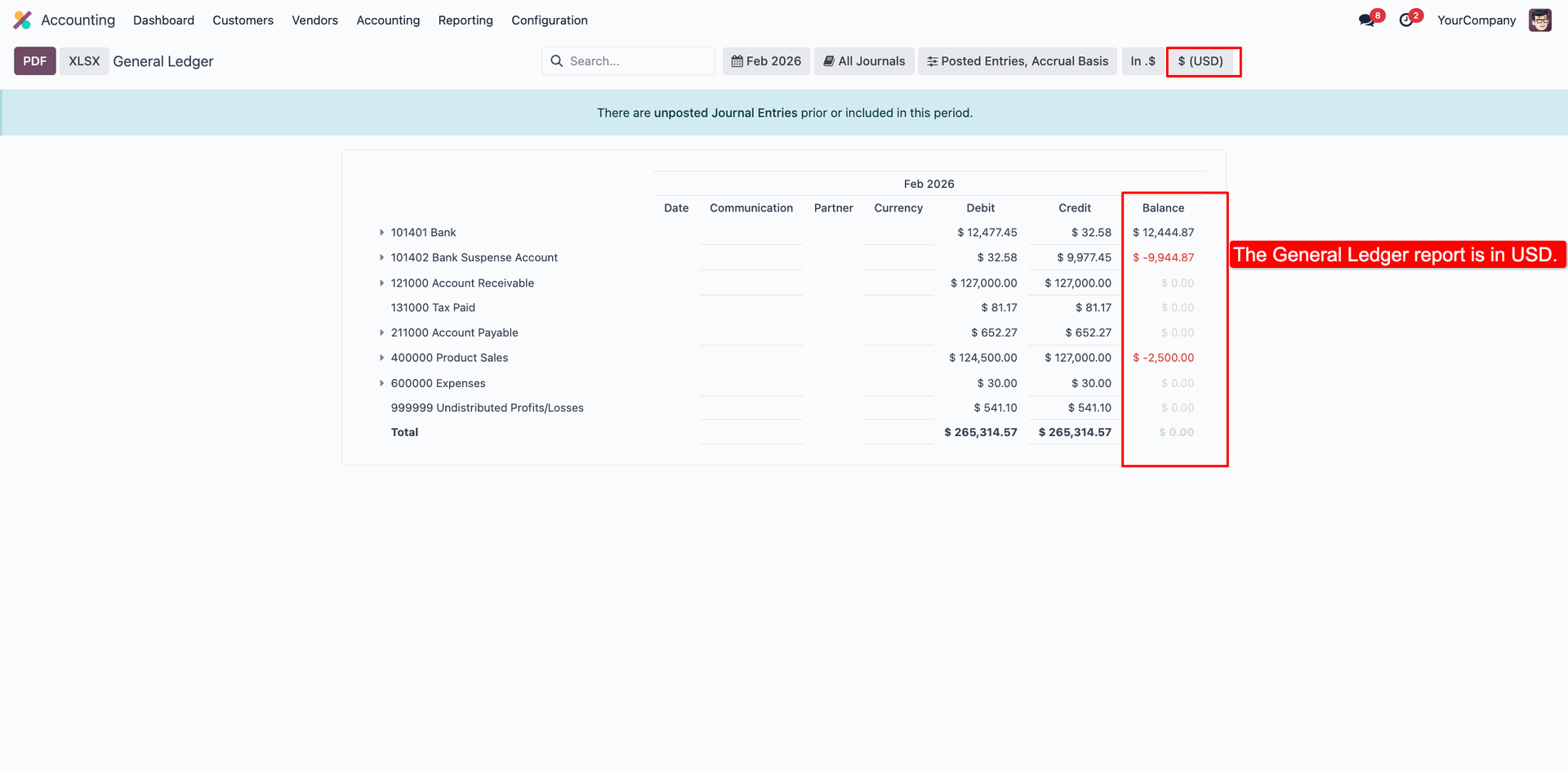
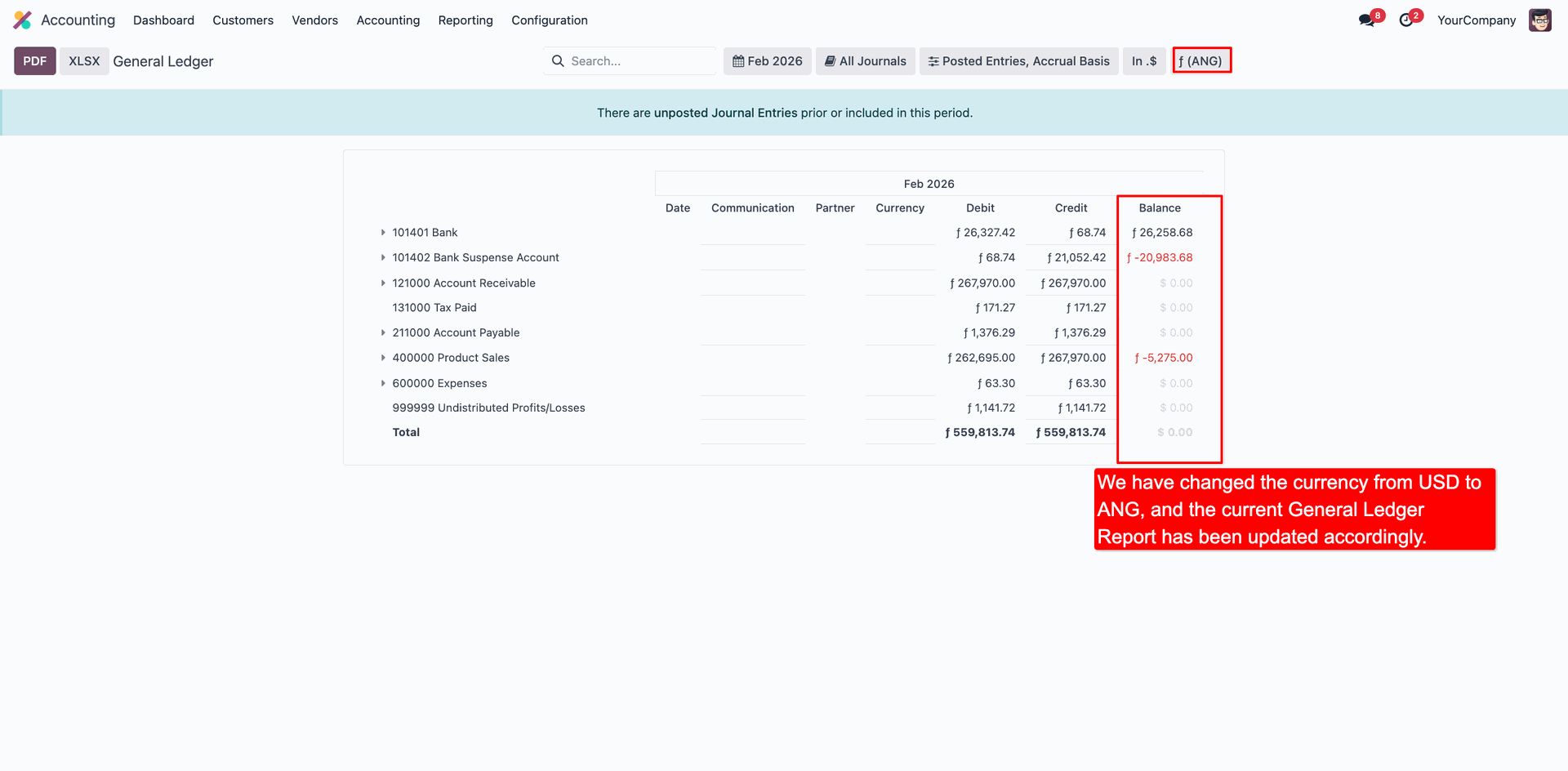
The General Ledger sheet is in USD.
Now we select the 'ANG' currency, and the amount will be updated automatically based on the selected currency.
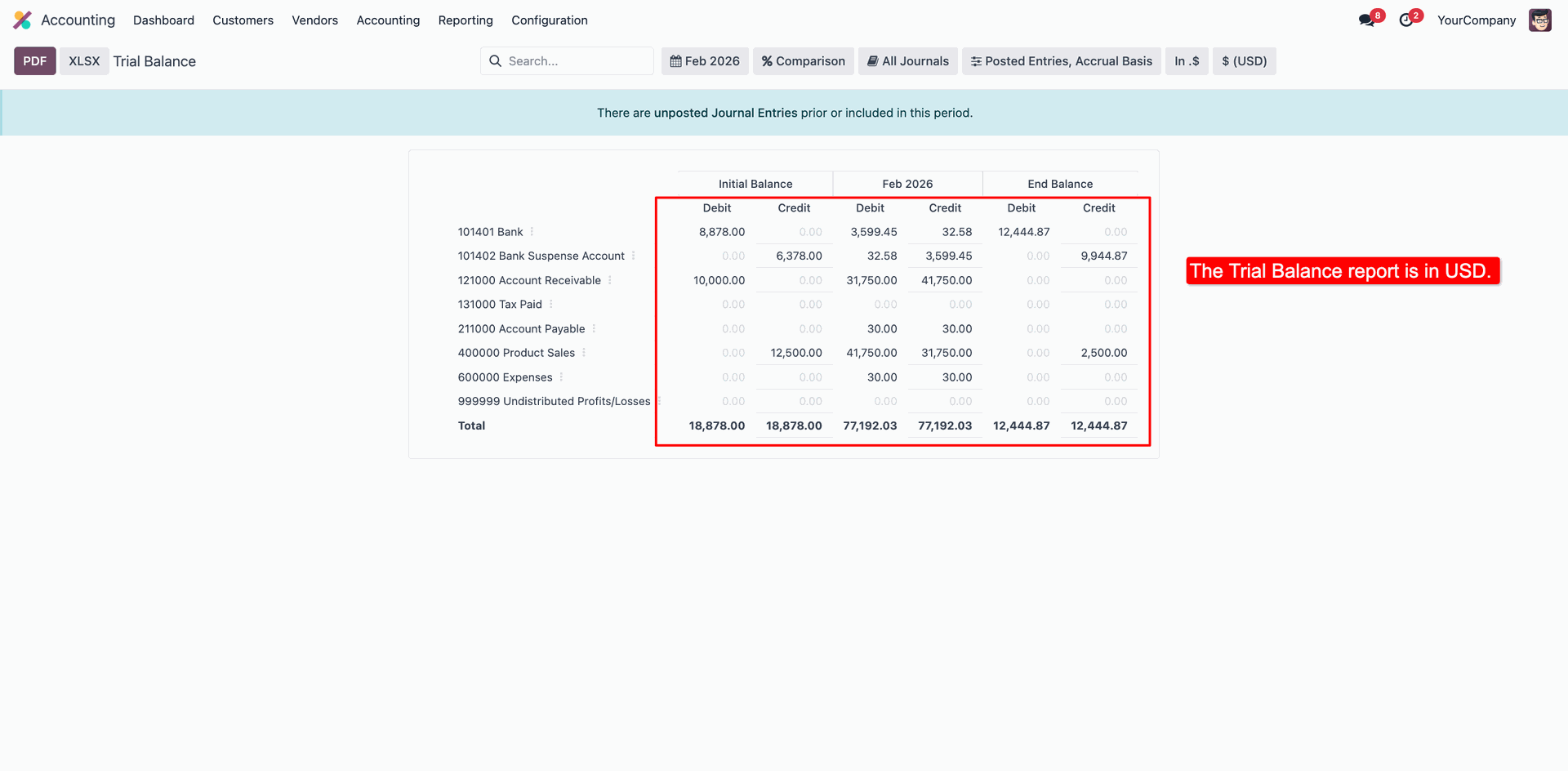
The Trial Balance sheet is in USD.
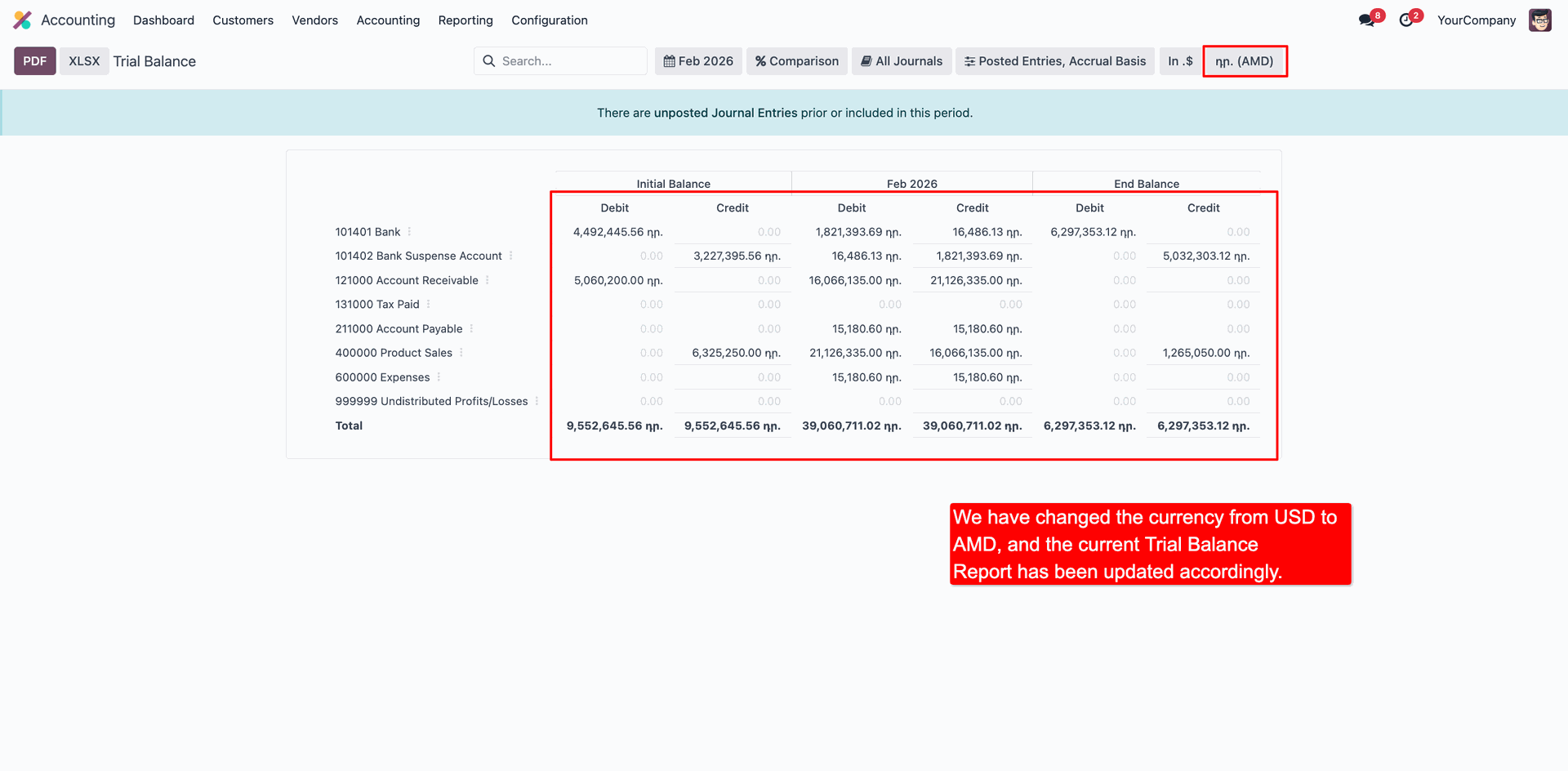
Now we select the 'AMD' currency, and the amount will be updated automatically based on the selected currency.
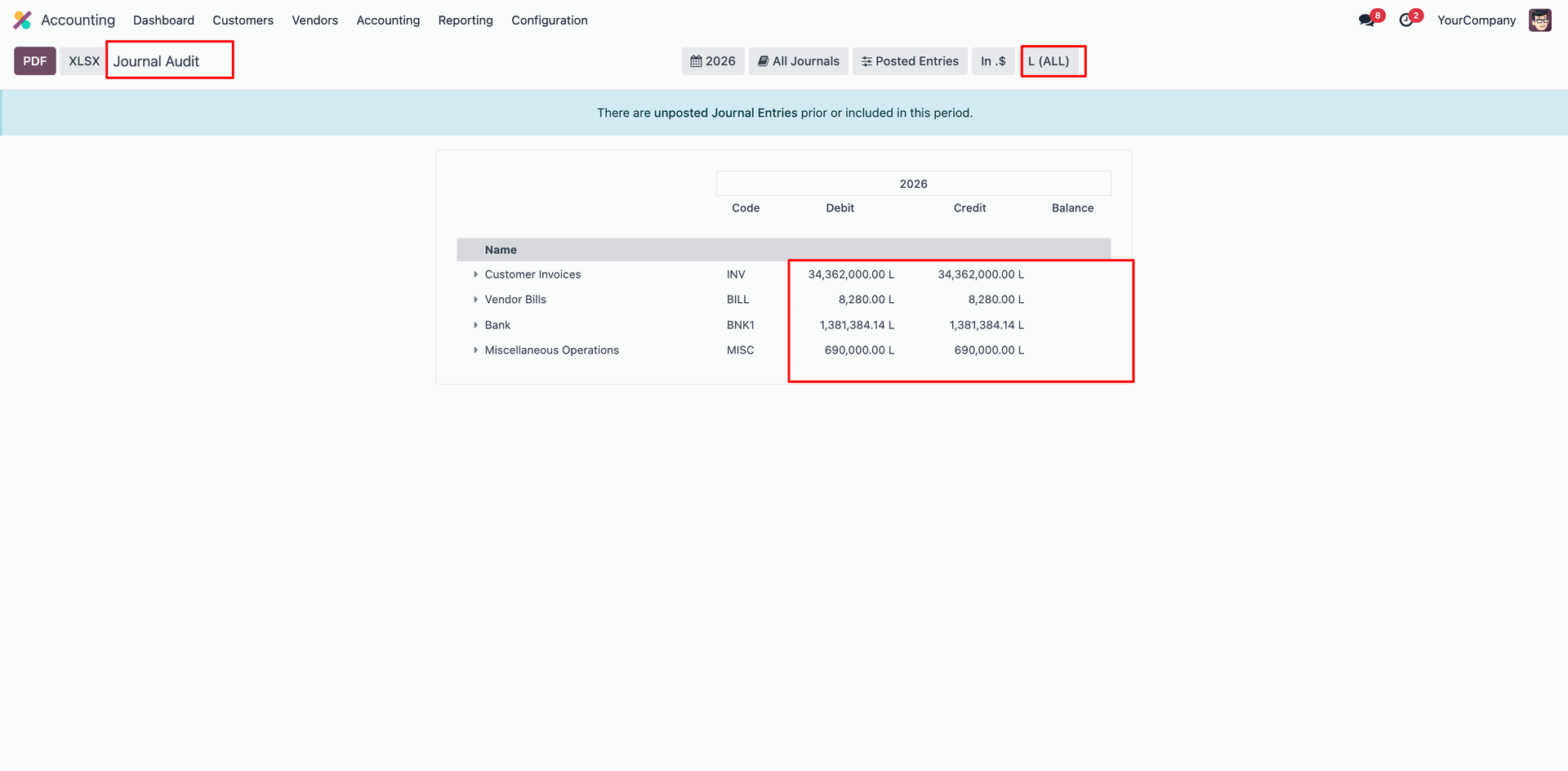
The Journal Audit sheet.
Now we select the 'L(All)' currency, and the amount will be updated automatically based on
the selected currency.
The Check Register sheet.
Now we select the 'AOA' currency, and the amount will be updated automatically based on the
selected currency.
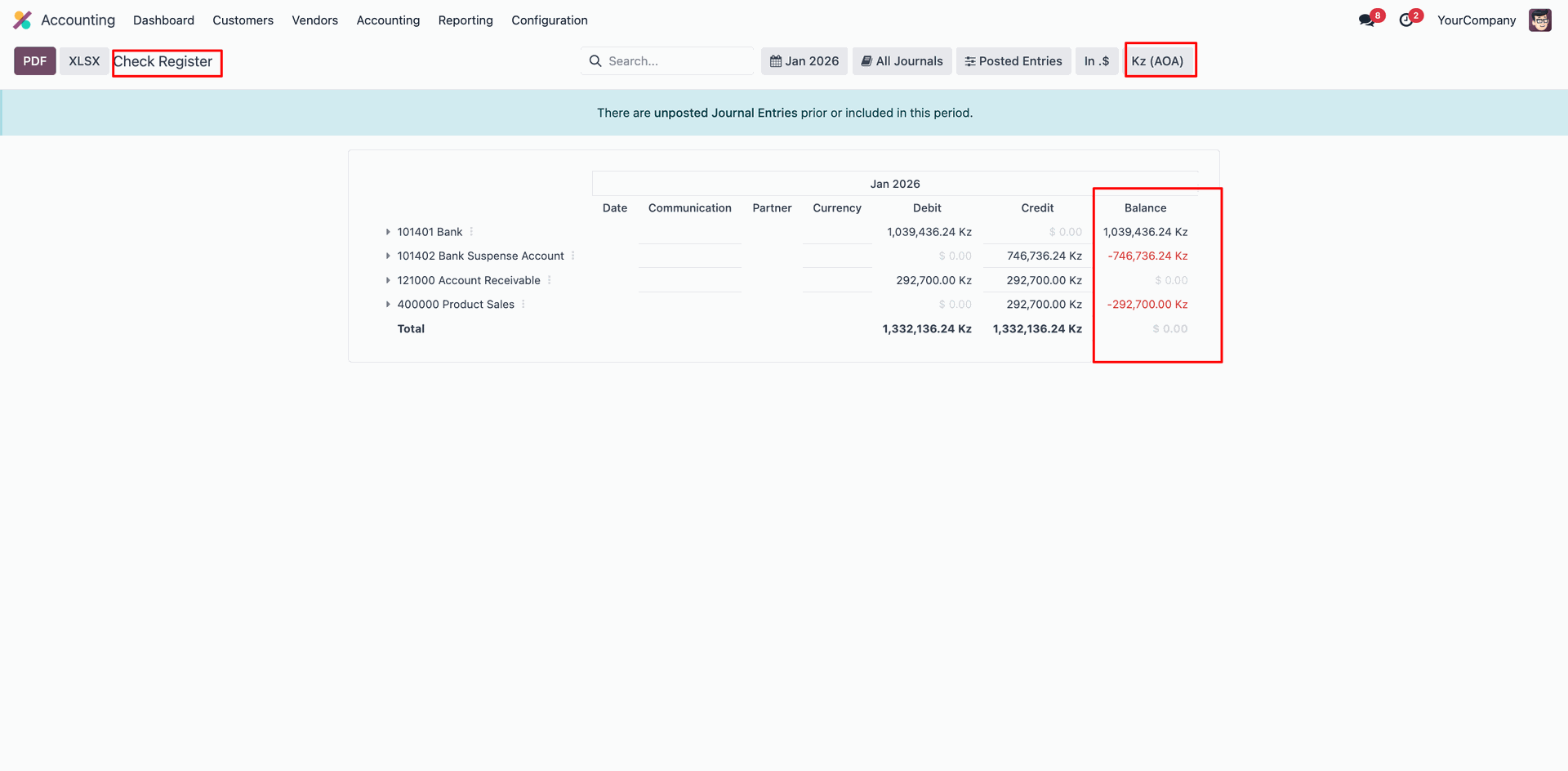
The Partner Ledger sheet.
Now we select the 'L(All)' currency, and the amount will be updated automatically based on
the selected currency.
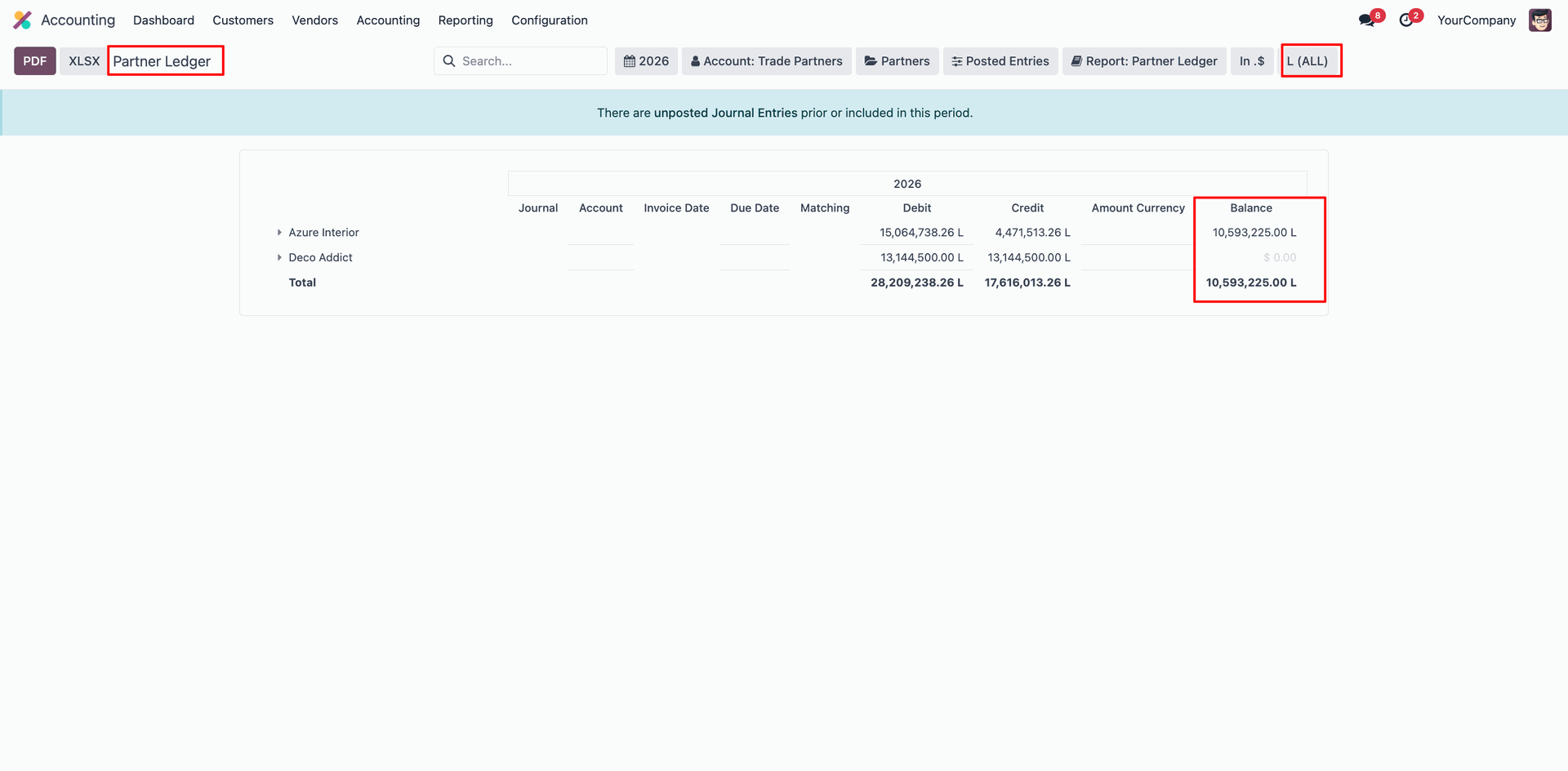
The Aged Receivable sheet.
Now we select the 'ARS' currency, and the amount will be updated automatically based on the
selected currency.
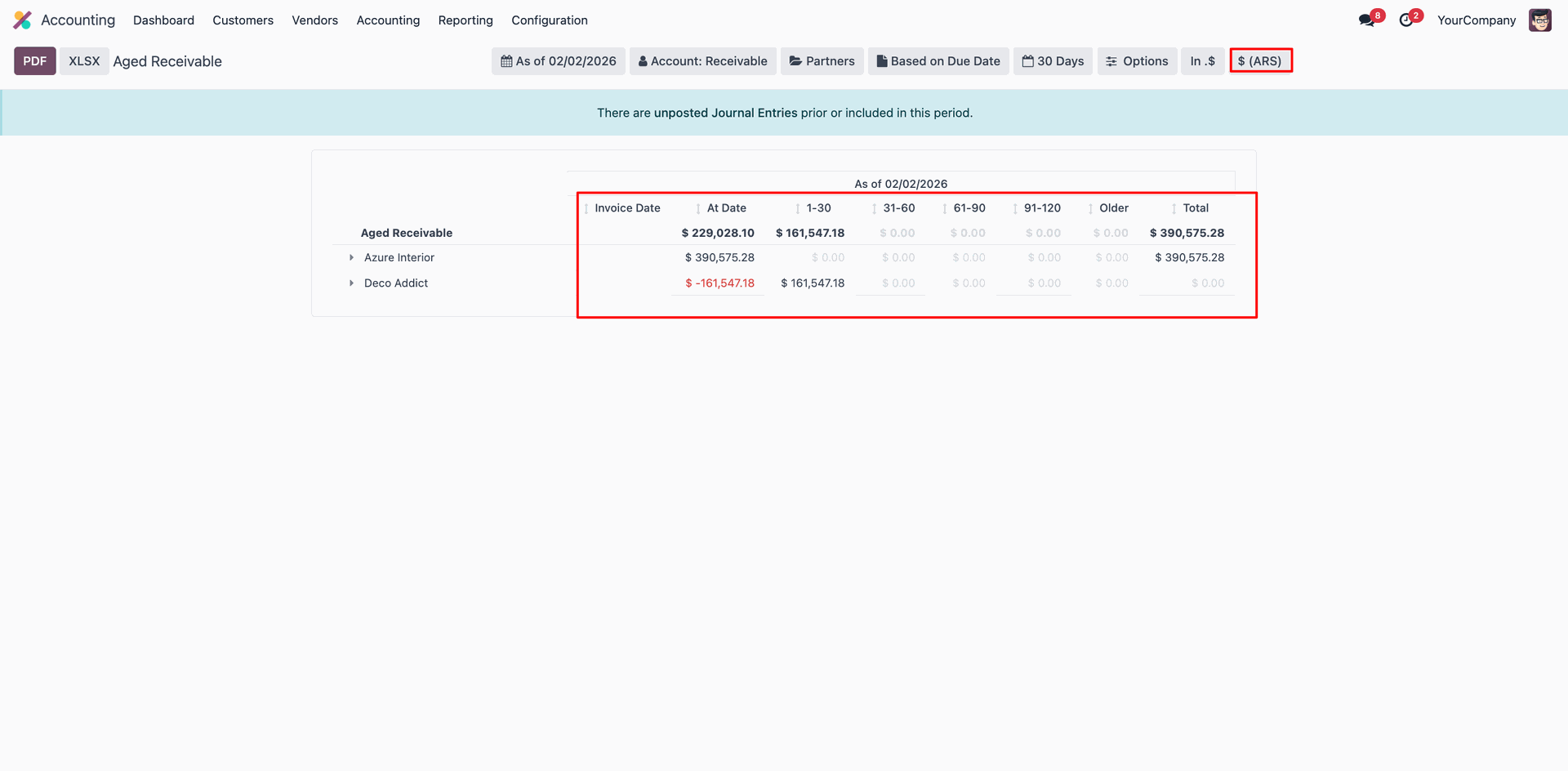
The Aged PayableT sheet.
Now we select the 'AED' currency, and the amount will be updated automatically based on the
selected currency.
Version 18.0.1.0.0 | Released on : 6th February 2026
- This app works perfectly with Odoo Enterprise (Odoo.sh & Premise) only.
- No, this application is not compatible with odoo.com(odoo saas/Odoo Online)
- Yes, to test this module, please contact us at sales@softhealer.com.
- Please contact us at sales@softhealer.com to request customization.
- Yes, we provide free support for 365 days from the date of purchase.
- Yes, you will receive lifetime free updates for the version of the module you purchased.
- No, there is no need to install any additional libraries.
- Yes, for version 12 and above, you need to purchase the module separately for each version you intend to use.
- No, exchanges or refunds are not allowed. Please make sure to select the correct version before purchasing.
- You can contact us at support@softhealer.com for language translation support. We use Google Translator tools to provide translations in multiple languages, so the accuracy may vary. We welcome your suggestions to help improve translations.
- Yes, for API-related information, please refer to the following link:
- No, currently it does not work if the product type is selected as a combo product. For more details, please contact our support team at support@softhealer.com.
Discover Our Latest Apps